 By Discord Media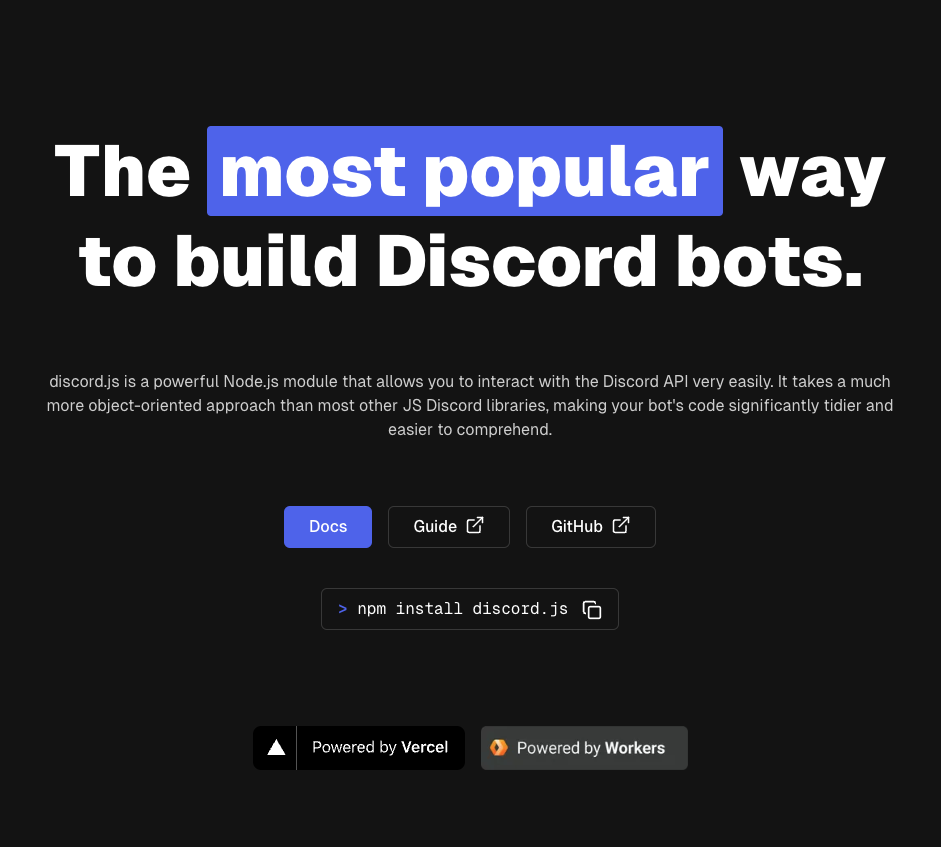
The Verdict: If you are building serious infrastructure on Discord, Discord.js is the undisputed heavy artillery. It is the most robust, object-oriented Node.js wrapper for the Discord API, powering the vast majority of “Elite” verification, moderation, and economy bots.
While Python (discord.py) offers simplicity, Discord.js offers enterprise-grade scalability and direct synergy with full-stack web technologies. This guide is your zero-to-hero blueprint for architecting a bot that doesn’t just “run”—it dominates.
Why Discord.js? The Ecosystem Advantage
You aren’t just writing a script; you are entering the Node.js ecosystem. Choosing Discord.js unlocks:
- Asynchronous Supremacy: Node.js’s non-blocking I/O is perfect for handling thousands of concurrent events (messages, button clicks) without lag.
- Object-Oriented Design: Code is structured, modular, and readable. This is critical when your single file bot grows into a 50-file framework.
- The Documentation: The official discord.js.org docs are the gold standard of technical writing—comprehensive, typed, and constantly updated.
Version Control: v14 vs. The Future
The landscape shifts quickly.
- v14 (The Standard): Introduced a massive overhaul, switching to
GatewayIntentBitsand removing many deprecated methods. It is stable, typed, and production-ready. - v15 ( The Bleeding Edge): Currently in development/release. It focuses on further modularization (splitting the WebSocket handler).
- The Rule: Unless you are contributing to the library core, build on v14/v15 Stable. Do not use v13 code tutorials; they are obsolete.
The Build Protocol: From Zero to “Ready”
Prerequisites:
- Node.js: Version 16.9.0 or higher (Required for v14+).
- Terminal: PowerShell, Bash, or Zsh.
Step 1: Initialization
Open your terminal and forge your project directory:
Bash
mkdir my-elite-bot
cd my-elite-bot
npm init -y
npm install discord.js dotenv
Step 2: The Source Code (Modern Syntax)
Note: The input data used legacy syntax. The code below has been upgraded to the modern v14/v15 standard using GatewayIntentBits.
Create index.js:
JavaScript
require('dotenv').config(); // Security First
const { Client, GatewayIntentBits } = require('discord.js');

// Initialize Client with strictly defined Intents
const client = new Client({
    intents: [
        GatewayIntentBits.Guilds,
        GatewayIntentBits.GuildMessages,
        GatewayIntentBits.MessageContent // Privileged Intent required!
    ]
});

client.once('ready', () => {
    console.log(`System Online: Logged in as ${client.user.tag}`);
});

// Legacy Command Listener (Transition to Slash Commands recommended)
client.on('messageCreate', async message => {
    if (message.author.bot) return;
    if (message.content === '!ping') {
        await message.reply('Pong! 🏓');
    }
});

client.login(process.env.DISCORD_TOKEN);
The UI/UX Arsenal: Buttons & Slash Commands
Modern bots do not just read text; they offer interfaces.
1. Slash Commands ( The New Standard)
Discord mandates Slash Commands (/command) for verified bots. They reduce spam and provide a native UI. You must use the SlashCommandBuilder to register these with the API.
2. Insight Matrix: Button Interactions
Buttons create actionable workflows. Here is your style guide:
| Button Style | Color | Best Use Case |
| Primary | Blurple | Confirm Action, Submit, Next Page |
| Secondary | Grey | Cancel, Back, Optional Settings |
| Success | Green | Accept Invite, Verify User, Buy Item |
| Danger | Red | Ban User, Delete Ticket, Reset Config |
| Link | Grey (External) | Link to Dashboard or Support Server |
Friction Annihilation: Troubleshooting
1. CLIENT_MISSING_INTENTS
- Diagnosis: You tried to access data (like message content) without telling Discord you need it.
- Fix: Add the specific Intent in your code AND enable “Privileged Gateway Intents” in the Discord Developer Portal dashboard.
2. TokenInvalid
- Diagnosis: You likely regenerated your token or copy-pasted it wrong.
- Fix: Reset token in Developer Portal and update your
.envfile. Never hardcode tokens!
3. node-gyp Errors
- Diagnosis: Missing build tools for Python/C++ bindings (common on Windows).
- Fix: Usually unnecessary for basic bots, but if dependencies require it, run
npm install --global windows-build-tools(Admin).
FAQ Vortex
Q: Why is my bot not responding to messages?
A: Since 2022, Discord requires the Message Content Intent to be enabled in the Developer Portal for your bot to read message text. Without this, your bot sees the message event but the content is empty.
Q: Should I use TypeScript?
A: Yes. Discord.js is written in TypeScript. Using TS gives you autocompletion and type safety, which prevents 80% of bugs before you even run the code.
Q: Where do I host this 24/7?
A: Do not use your laptop. Use a VPS (DigitalOcean, Vultr) or a container service (Railway, Fly.io). Avoid “Glitch” or “Replit” free tiers for production bots as they sleep after inactivity.
Zenith CTA
You have the library, the syntax, and the strategy. Now, stop reading and start coding. Initialize your npm project and deploy your first Slash Command today.