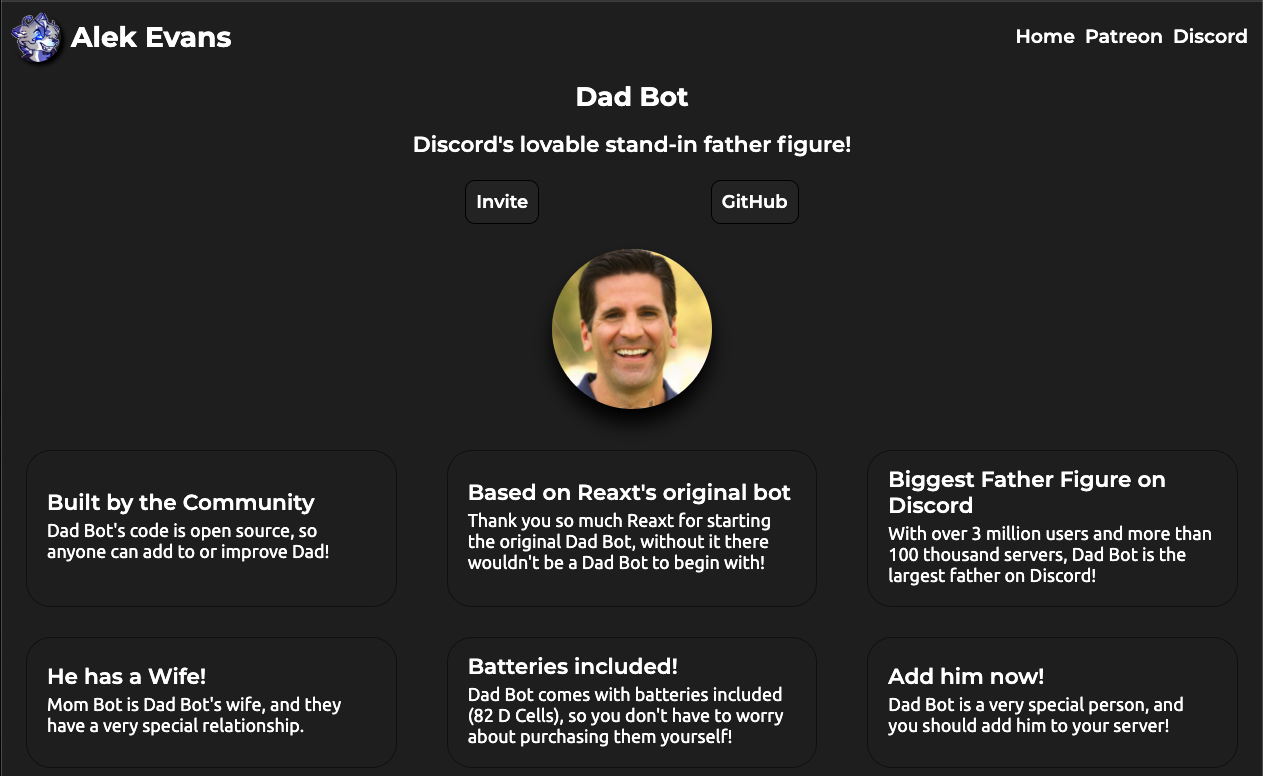
Dad Bot is a humor-focused Discord bot dedicated to delivering the world’s cheesiest “Dad Jokes.”
Why is it so popular in Australia and the US?
In English-speaking cultures (especially Australia and the UK), there is a strong love for “Taking the piss” (mockery) and “Dry humor.” Dad Bot is the ultimate automated troll. When someone seriously types “I’m tired” after a long day, the bot instantly replies, “Hi tired, I’m Dad!”
It completely breaks the flow of conversation, ruins the mood, and forces a laugh (or a groan). This makes it an essential fixture in servers that value a relaxed, chaotic atmosphere.
🌏 History: The Digital Dad
- Origins: While there are many clones, the concept took off around 2017–2018.
- The Meme: It is based on the classic “Dad Joke” trope—jokes that are so bad, they are good. The goal isn’t to be clever; it’s to be predictable and annoying in an endearing way.
- Current Status: It is installed in millions of servers. Most communities fall into two camps: those who ban it within 3 days because it’s too annoying, or those who embrace it as the server mascot.
⚙️ Key Features: What Does It Do?
Dad Bot does very little, but it does it with relentless consistency.
1. The “I’m” Trigger (Main Feature)
This is the bot’s passive ability. It listens for any message starting with “I’m” or “I am.”
- User: “I’m hungry.”
- Dad Bot: “Hi hungry, I’m Dad!”
- The Chaos: It does not care about context. Even in a serious debate, if you type “I’m serious,” Dad Bot will reply “Hi serious, I’m Dad!”
2. Random Dad Jokes
You can command the bot to tell a joke.
- Example: “Why did the scarecrow win an award? Because he was outstanding in his field!”
💻 Essential Command List
Most versions now support Slash Commands (/).
| Command | Description |
| /dadjoke | Posts a random Dad Joke. |
| /embarrass | Tells a joke designed to embarrass a user (some versions only). |
| /help | Displays the command list. |
Note: The real value isn’t the commands; it’s the automatic replies.
🚀 Setup Tutorial: How to Silence Dad
The #1 problem with Dad Bot is that it talks too much. If you don’t restrict it, it will ruin your #announcements or #serious-talk channels.
Step 1: Invite the Bot
Search for “Dad Bot” on Top.gg or the App Directory. Pick the most popular one and invite it.
Step 2: The “Gag Order” (Permissions)
You usually want Dad Bot to be funny in #general but silent in #rules.
- Go to Server Settings > Roles.
- Find the auto-created Dad Bot role.
- Channel Overrides (Recommended):
- Go to the channel you want to protect (e.g., #serious).
- Click Edit Channel (Gear icon) > Permissions.
- Add the Dad Bot role.
- Set “Send Messages” to ❌ (Red X).
- Test it: Type “I’m here” in that channel. If the bot stays silent, you are safe.
❓ FAQ: Troubleshooting
Q: It is incredibly annoying. How do I stop it?
A: Kick it or restrict it.
This is the most common feedback. If you don’t want to kick the bot entirely, create a specific #spam or #memes channel and only allow the bot to speak there (see Step 2 above).
Q: It reacts when I didn’t say “I’m”.
A: It’s a text matching quirk.
Sometimes words containing “im” (like “impossible”) might trigger older versions of the bot. It’s a “feature, not a bug.” Just laugh it off—that’s the Aussie way.
Q: Does it work with other languages?
A: No, English only.
It looks specifically for the English string “I’m” or “I am.” It won’t react to Japanese (“Watashi wa…”) or Spanish (“Soy…”). This makes it a fun “rare spawn” in international servers that only appears when people speak English.
Q: Is it safe?
A: Yes.
It’s a simple text-response bot. It reads messages to find the trigger word, but it doesn’t store data.
🌟 Conclusion
Dad Bot is technically just a simple script, but socially, it is a Vibe Check.
When someone types “I’m lonely” at 3 AM and the bot instantly replies “Hi lonely, I’m Dad!”, it creates a moment of absurdity that can actually lighten the mood. It is the ultimate low-maintenance entertainment bot—just make sure you ban it from your serious channels before it’s too late.
Next Step for You: Invite Dad Bot, go to your general chat, and type “I’m ready” to see the magic happen!