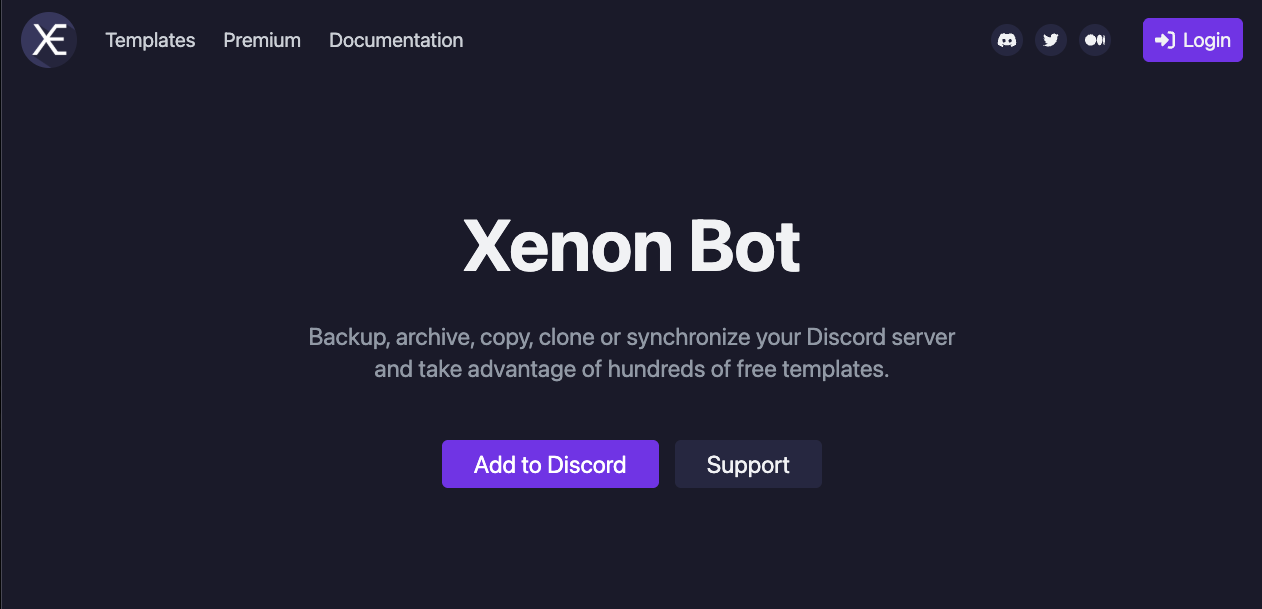
Xenon is the ultimate backup and template tool for Discord.
It allows you to save your server’s entire structure (channels, roles, permissions) and restore it at any time.
Why is it essential for Gaming Clans?
Established communities face the constant risk of “Rogue Admin” attacks or accidental deletions that can wipe out years of work in seconds. Xenon acts as an Insurance Policy. With one command, you can revert your server to exactly how it looked yesterday.
🛡️ Why Xenon? (The Safety Net)
Developed by Merlin (Magic-Bots), Xenon solved a critical problem in the early days of Discord: Disaster Recovery.
Before Xenon, if a server was nuked (all channels deleted), admins had to rebuild everything manually. Xenon introduced the concept of “Server Snapshots”—saving the server state to a file that could be loaded back instantly.
Later, it pioneered the Template System, allowing users to share server layouts. This feature was so popular that Discord eventually implemented a native version of it.
⚙️ Key Features
Xenon focuses on defense and efficiency.
💾 Server Backups (Free Tier is Powerful)
It saves:
- Channel structures (Categories, Text, Voice).
- Roles and Permissions (Who can see what).
- Server Settings (Region, Icon).
- Note: The free version does not save chat messages or member lists. It restores the “Building,” not the “People” or “Furniture.”
📋 Templates
You can load pre-made layouts. Want a “Professional Esports Server”? You can load a template that creates all the necessary channels and roles instantly.
📨 Message Transfer (Premium)
Paid plans allow you to back up and restore actual chat history. This is vital for migrating servers without losing years of memories.
💻 Essential Command List
Xenon uses Slash Commands (/).
💾 Backup Operations
| Command | Description |
| /backup create | The most important command. Saves the current server state. |
| /backup list | Shows your saved backups and their IDs. |
| /backup load [ID] | DANGER. Wipes the current server and loads the backup. |
| /backup interval | Sets up automatic backups (e.g., every 24 hours). |
📋 Template Operations
| Command | Description |
| /template load [ID] | Loads a public template layout. |
| /template create | Turns your server into a shareable template. |
| /template search | Finds popular templates. |
🚀 Setup Tutorial: How to Save Your Server
Xenon is useless if you don’t use it. Follow this routine.
Step 1: Invite & Authorize
Visit Xenon.bot and invite it.
- Permissions: It needs Administrator.
- Why? To restore a server, it needs permission to delete channels, create channels, and manage roles. Without Admin, it cannot function.
Step 2: Create a Backup (The Daily Routine)
- Type /backup create.
- The bot will scan your server and reply: “Backup created! ID: 12345ABC”
- That’s it. Your server is now safe.
Step 3: Emergency Restoration (The “Nuke” Scenario)
Imagine a hacker deletes all your channels.
- Type /backup list to find your latest ID.
- Type /backup load [ID].
- Warning: It will ask for confirmation. “This will delete all current channels and roles.”
- Click Confirm.
- Watch as the bot magically rebuilds your server in seconds.
❓ FAQ: Troubleshooting
Q: Will restoring a backup kick my members?
A: No.
Xenon only modifies Structure (Channels/Roles). It has no power to kick, ban, or remove human members. Your community stays; only the environment changes.
Q: Where are my messages?
A: Free vs. Premium.
The free version restores empty channels. If you need to save chat logs, you must subscribe to Xenon Premium.
Q: What about Emojis?
A: Yes.
Backups generally include server emojis, settings, and bans.
Q: What is “Interval”?
A: Auto-Save.
We highly recommend setting an interval (e.g., /backup interval 24h). This ensures that even if you forget to run the command, you always have a fresh save file from yesterday.
🌟 Admin Tip: The Ultimate Safety
Do not trust anyone.
Even trusted mods can get hacked.
- Invite Xenon.
- Give Xenon the Highest Role possible (so it can manage other roles).
- Set an Auto-Backup Interval.
If the worst happens, you can fix it in 60 seconds.
Next Step for You: Invite Xenon right now and run /backup create. It takes 5 seconds and could save your community’s future.