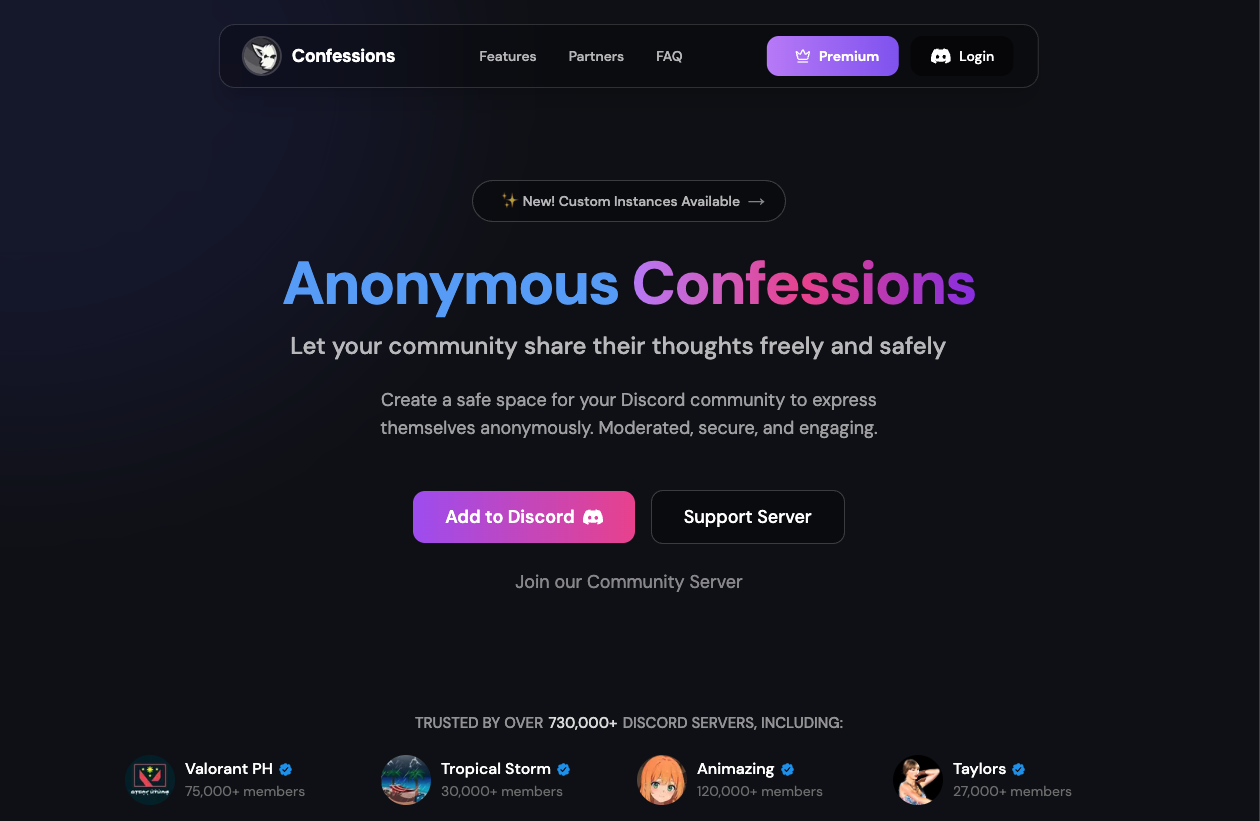
Confessions Bot is a tool that allows users to post anonymous messages to a specific channel in your Discord server.
From “secret crushes” to “venting about life” or “asking sensitive questions,” this bot creates a safe space for topics that users might be too shy to discuss under their real names. It is massively popular in student communities across the Philippines, Indonesia, and the US.
🏫 Origins: From Campus Walls to Discord
This bot’s DNA comes from the “Confession Files” culture on Facebook.
1. The “Confession Files” Era
In the early 2010s, university students used Google Forms to send anonymous stories to admins, who would manually post them on Facebook pages (e.g., “Harvard Confessions”). It was a cultural phenomenon for sharing gossip, love letters, and academic stress.
2. The Shift to Discord
When the pandemic moved campus life online, communities migrated to Discord. However, Discord lacks native anonymity. The Confessions Bot automated the old manual process: users DM the bot, and the bot posts for them instantly. It became the “Digital Bathroom Stall” of the modern internet.
⚙️ Key Features
The mechanism is simple but powerful.
🕵️ Anonymous Posting
- How it works: You type /confess [message].
- The Result: The bot posts your message in a public channel. Your name and avatar are removed and replaced with the bot’s profile.
🛡️ Moderation Logs (Crucial)
While anonymous to the public, admins need safety tools.
- Log Channel: Admins can set a private channel where every confession is logged with the author’s name. This prevents the bot from being used for harassment or hate speech.
💬 Thread Replies
Advanced bots allow users to reply anonymously to other confessions, creating a chain of conversation where no one knows who is who.
💻 Essential Command List
Most bots use Slash Commands (/).
📝 User Commands
| Command | Description |
| /confess [Message] | The main command. Sends your anonymous text. |
| /help | Shows instructions. |
🛠️ Admin Commands
| Command | Description |
| /setup | Starts the configuration process. |
| /setlog [Channel] | Sets the private channel for admin logs. |
| /ban [User] | Blocks a user from using the bot (without kicking them from the server). |
🚀 Setup Tutorial: How to Install
Warning: Setting this up requires careful permission management to protect user identity while ensuring safety.
Step 1: Invite the Bot
Search for “Confessions” on Top.gg (look for the most popular one) and invite it.
- Permissions: Grant “Manage Messages” and “Embed Links.”
Step 2: Create Channels
You need two channels:
- 📢|confessions (Public: Everyone can read).
- 🔒|confess-logs (Private: Only Admins can read).
Step 3: Link Channels
Run the setup command.
- /setup -> Select #confessions as the output channel.
- /setlog -> Select #confess-logs as the log channel.
Step 4: Test It
Run /confess Hello World.
- Check #confessions: You should see the bot say “Hello World.”
- Check #confess-logs: You should see “Hello World – Sent by @YourName.”
❓ FAQ: Anonymity & Safety
Q: Is it truly anonymous?
A: To members, yes. To admins, usually no.
Most bots have a logging feature. If you confess to a crime or harass someone, the server admins can check the logs and see who you are. Always assume admins can see you.
Q: Can I post images?
A: Usually Premium.
Posting anonymous images is often a paid feature to prevent abuse (like posting NSFW content).
Q: Someone is bullying others anonymously.
A: Use the Ban command.
Admins can check the logs to find the culprit’s ID, then use /ban [UserID] to block them from the bot forever.
Q: Can I delete my confession?
A: No.
Once sent, it belongs to the bot. You must ask an admin to delete it for you.
🌟 Admin Tip: The “Golden Rule” of Confessions
To keep your server healthy:
- Disclaimer: Pin a message in the channel saying: “Admins can see logs. Hate speech and harassment will result in an instant ban.”
- Positive Prompts: If the channel is dead, ask a question like “What is your unpopular food opinion?” to start a fun anonymous debate.
Next Step for You: Invite a Confessions bot, create a private log channel, and post the first anonymous welcome message!