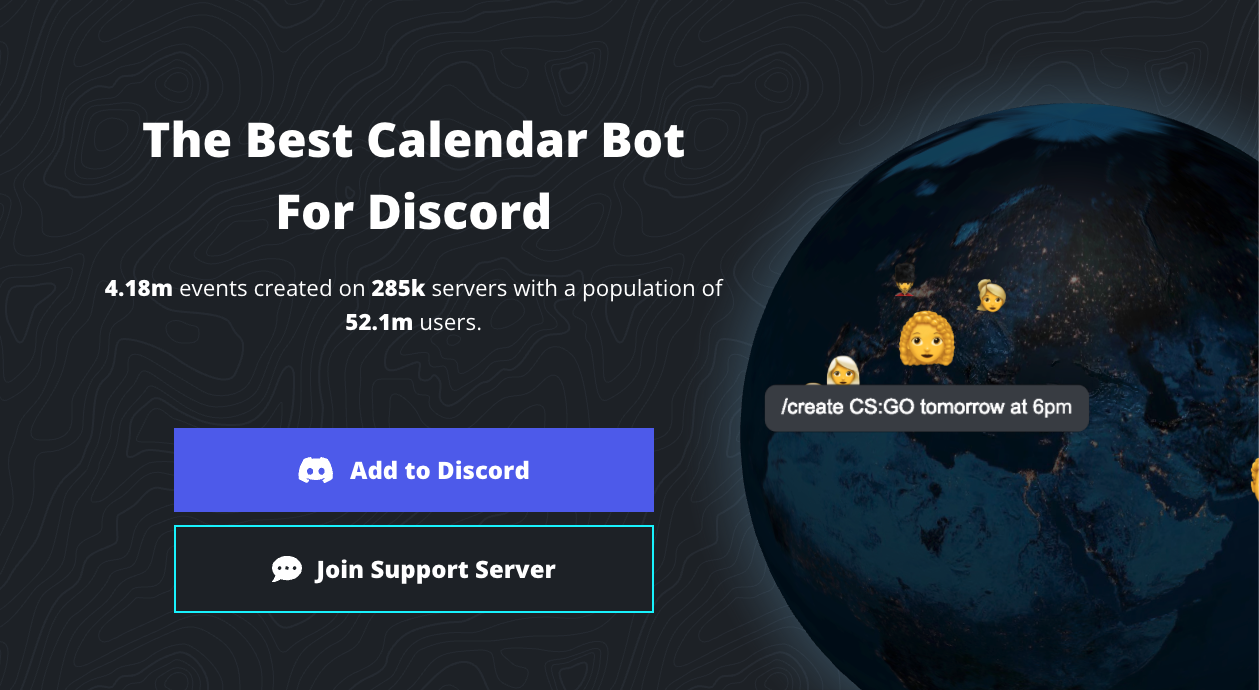
Sesh is the best-in-class Discord bot for calendar and schedule management.
Unlike other scheduling bots, Sesh excels in two critical areas: Automatic Timezone Conversion and Google Calendar Integration.
“What time is 8 PM in Australia?” “I want to play with my US friends, but what is EST?”
Sesh eliminates these questions entirely. It displays event times in everyone’s local time automatically, making it the lifeline for international gaming clans, TRPG groups, and communities bridging the gap between Australia, Japan, and the US.
🌏 History: “No More Time Math”
- Origins: Developed by the sesh.fyi team.
- The Problem: The developers were tired of missing gaming sessions due to miscalculating time zones.
- The Solution: They built Sesh with the slogan “No more time math.” The goal was simple: create a bot where if I set a time, you see your time, not mine.
- Adoption: Today, it is used by massive esports communities and professional organizations to coordinate global events effortlessly.
⚙️ Key Features
Sesh transforms Discord into a powerful organizer.
1. Timezone Magic
This is the killer feature.
If an admin creates an event for “8:00 PM (Their Time)”:
- 🇯🇵 A user in Japan sees: 8:00 PM JST
- 🇦🇺 A user in Sydney sees: 9:00 PM AEST
- 🇺🇸 A user in New York sees: 6:00 AM EST
It adapts instantly to the viewer.
2. Google Calendar Sync
You can link Sesh to your personal Google Calendar.
- Feature: When you click “Join” on a Discord event, Sesh can automatically add that event to your real-life calendar app. No more forgetting raid nights!
3. RSVP System (Sign-ups)
Create sleek event posts with buttons:
- ✅ I’m In / ❌ I’m Out / ❔ Maybe
- Waitlists: Set a limit (e.g., 5 spots for Valorant). If a 6th person joins, they are automatically placed on a waiting list.
💻 Essential Command List
Sesh uses Slash Commands (/).
📅 Event Management
| Command | Description |
| /create | The Main Command. Opens the menu to build a new event. |
| /list | Shows all upcoming events in the server. |
| /link | Connects your Discord account to Google Calendar. |
| /settings | Configures server defaults (like time format). |
🗳️ Utility
| Command | Description |
| /poll | Creates a poll to decide on the best time. |
| /me | Crucial. Sets or checks your personal timezone. |
| /now | Shows the current time across major global cities. |
🚀 Setup Tutorial: The “Timezone” First Step
Sesh is powerful, but it relies on users setting their location.
Step 1: Invite & Authorize
Visit sesh.fyi and invite the bot.
- Permissions: Ensure “Manage Events,” “Send Messages,” and “Add Reactions” are enabled.
Step 2: Set Your Timezone (Mandatory for Everyone)
Tell your members to do this immediately.
- Type /set timezone (or /me).
- A search bar appears. Type your city (e.g., Tokyo, Sydney, New York).
- Select it.
Now, Sesh knows where you are and will convert all future event times to your local clock.
Step 3: Create an Event
- Type /create.
- Click the link to open the Web Dashboard (It is much easier than typing commands).
- Title: “Weekly Scrim”
- Time: Pick the date/time on the calendar.
- RSVP: Enable buttons like “Join” and “Backup.”
- Image: Paste a URL for a cool banner image.
- Click Create. The embed appears in Discord instantly.
Step 4: Sync to Google (Pro Tip)
- Type /link.
- Follow the DM instructions to log in with Google.
- Now, whenever you click ✅ on an event, it syncs to your phone’s calendar!
❓ FAQ: Troubleshooting
Q: The time looks wrong!
A: You haven’t set your timezone.
99% of issues are because the user hasn’t run /set timezone. If Sesh doesn’t know where you are, it usually defaults to UTC or the server region.
Q: How do I match my Australian friend’s time?
A: You don’t need to.
Just set the event for your convenient time. Sesh will automatically show the correct (converted) time to your Australian friend.
Q: Can I make recurring events?
A: Yes.
In the Web Dashboard creator, look for the “Repeat” option. You can set events to auto-post every “Saturday at 9 PM.”
Q: Can I limit attendees?
A: Yes.
Set a “Max Attendees” limit (e.g., 5 for a team). Sesh handles the rest, moving extra people to a waitlist automatically.
🌟 Admin Tip: The “No Excuses” Policy
Sesh eliminates the excuse of “I got the timezone wrong.”
If you run an international clan, make Sesh mandatory.
- Force everyone to run /set timezone.
- Create all events via /create.
- Tell members to sync with /link.
Now, everyone knows exactly when to show up, regardless of where they live on Earth.
Next Step for You: Invite Sesh, run /set timezone right now, and never do mental math for timezones again!