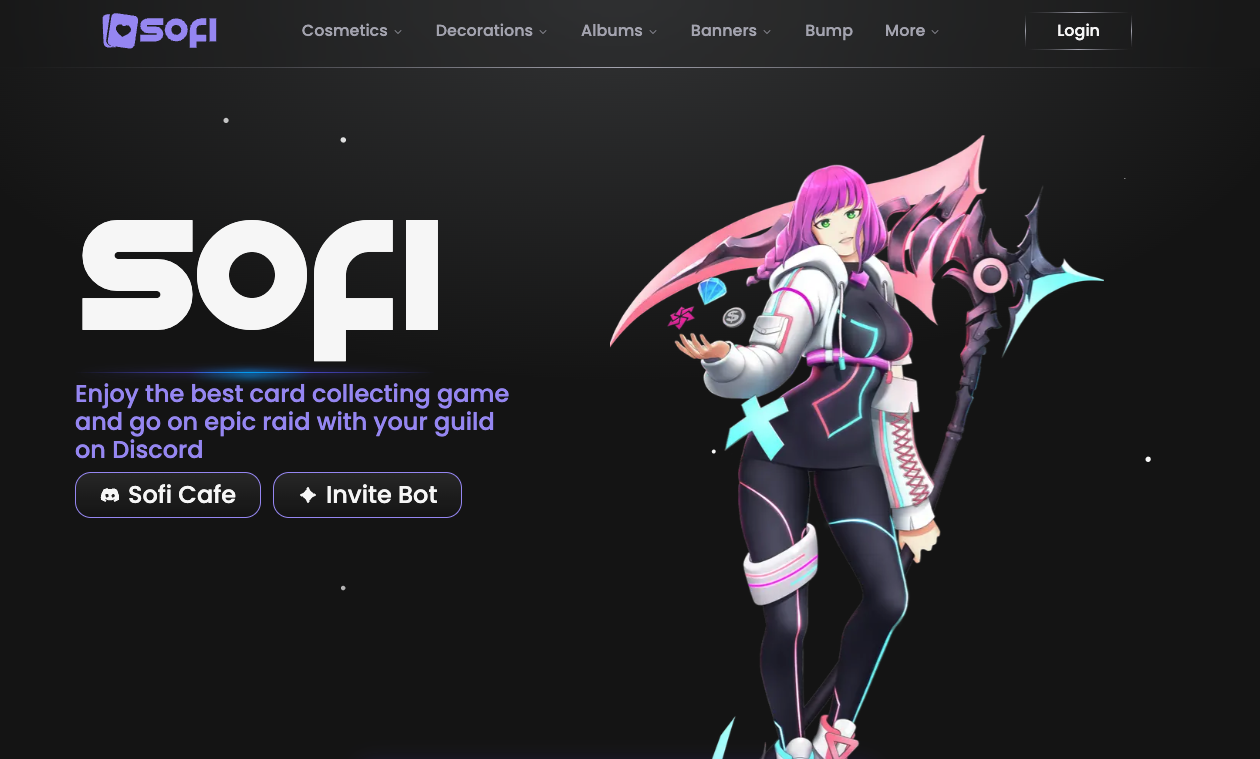
What is Sofi? Sofi is a Discord entertainment bot focused on collecting, trading, and customizing anime/manga character cards.
“Don’t just collect. Collect beautifully.”
While bots like Karuta and Mudae dominated the early era of Discord card games, Sofi has emerged as the stylish, modern challenger. Popular particularly among Gen Z users in Southeast Asia (Singapore, Philippines) and global anime communities, Sofi is praised for its stunning UI, 3D card variants, and RPG-like guild systems.
This guide covers why Sofi is threatening the throne of older bots and how you can master its economy.
🎨 Why Choose Sofi? (The “Aesthetic” Advantage)
Sofi was developed to solve the “ugly UI” problem of older bots. It leverages Discord’s modern features to create a collecting experience that feels like a high-end mobile game.
1. Superior Visuals (Versions & Gens)
Sofi cards aren’t just static images. They evolve.
- Versions: A character card can exist in Base, 2D, 3D, or GIF versions.
- Gen (Generation): Cards are tagged by generation (Gen 1, Gen 2). Older Gens are rarer and hold higher trading value.
2. Button-Based Gameplay
Gone are the days of typing furious codes to grab a card.
- Karuta/Mudae: Requires typing the card name or a reaction emoji.
- Sofi: Uses Buttons. When cards drop, you simply click the corresponding button (1, 2, or 3). It is faster, mobile-friendly, and intuitive.
3. Deep Customization (Morphs)
This is Sofi’s killer feature. You can apply “Morphs” to cards, which act like filters changing the color palette, texture, and visual effects of the character art. Users spend hours (and millions of Silver) creating the perfect visual match for their “Oshi” (favorite character).
4. RPG Elements (Guilds & Raids)
Sofi isn’t just about solo collecting. You can form Guilds, fight Raids (boss battles), and level up stats, adding a layer of cooperative gameplay that other card bots lack.
🚀 How to Set Up Sofi (3-Step Tutorial)
Sofi is strict about where it operates. It will not work until you designate a specific channel.
Step 1: Invite the Bot
- Visit the Sofi Official Website or Top.gg.
- Click “Invite” and authorize the bot with permissions to Send Messages, Embed Links, and Attach Files.
Step 2: Whitelist a Channel (Crucial!)
Sofi ignores commands by default to prevent spam.
- Create a designated gaming channel (e.g., 🎰|sofi-drops).
- Type the following command in that channel:
s channel add
(Or /channel add if using slash commands).
Step 3: Check Prefix
The default prefix is s (e.g., s drop). If this conflicts with another bot, you can change it using /prefix.
💻 Essential Commands List
While Slash Commands (/) work, most veteran players prefer the classic s prefix for speed.
🃏 Collecting & Gacha
| Command | Description |
| s drop (or s d) | The main command. Drops 3 random cards. Click the buttons below to grab one. |
| s grab | Emergency command to grab a card if buttons fail. |
| s cooldown (or s cd) | Checks how long until you can Drop or Grab again. |
📂 Portfolio Management
| Command | Description |
| s collection (s c) | Shows your card binder. |
| s view [code] | Inspects a specific card’s details (Code is the 6-digit ID). |
| s profile | Displays your Silver, level, guild, and stats. |
| s inventory | Shows your consumable items (Elixirs, Fragments). |
💰 Economy & Value
| Command | Description |
| s daily | Claim free Silver and items every 24 hours. |
| s vote | Vote for the bot to receive “Vote Crates” (contains items/currency). |
| s burn [code] | Destroys a card in exchange for Silver/currency. |
| s wishlist add [name] | Adds a character to your wishlist (you get notified if they drop). |
🧠 Game Mechanics: Beginner Tips
1. Understanding Currencies
- Silver: The standard currency earned by playing. Used for trading and basic upgrades.
- Gems: Premium currency. Used for specialized items.
- Wiz: Points used for unlocking potential.
2. The Two Cooldowns
Beginners often get confused here. There are two separate timers:
- Drop Cooldown: How often you can spawn cards (usually ~15 mins).
- Grab Cooldown: How often you can take a card.
- Strategy: You can drop cards for your friends to grab, and vice versa.
3. How to get 3D Cards? (Ascension)
You don’t just “find” 3D cards usually; you build them. You collect the Base version, then use specific materials (Fragments/Elixirs) to Ascend the card into 2D, then 3D, and finally GIF versions.
❓ FAQ: Common Questions
Q: Can I run Sofi and Karuta in the same channel?
A: Yes. It is very common in Asian servers to see players alternating k!drop and s drop in the same channel. They do not conflict.
Q: I saw a card I wanted, but I couldn’t grab it. Why?
A: You were likely on Grab Cooldown. Always check s cd before dropping valuable cards. If you grab a “trash” card, you might miss a “rare” card that drops 1 minute later.
Q: What is a Card Code?
A: Every card has a unique alphanumeric ID (e.g., x8a1b2) visible in s collection. You need this code to trade, view, or burn that specific card.
Q: What is a “Snipe”?
A: If a player drops cards but takes too long to grab one (usually after 15-30 seconds), the card becomes free for anyone to grab. Taking someone else’s drop is called “Sniping.” (Note: Check server rules, as some communities ban sniping).
🌟 Conclusion
Sofi is not just a collecting bot; it is a digital gallery.
If you are tired of text-heavy interfaces and want a card game that prioritizes beauty, customization, and mobile-friendly gameplay, Sofi is the undisputed leader of the next generation.
Next Step for You: Invite Sofi to your server, set up a channel, and type s drop to start your collection today!