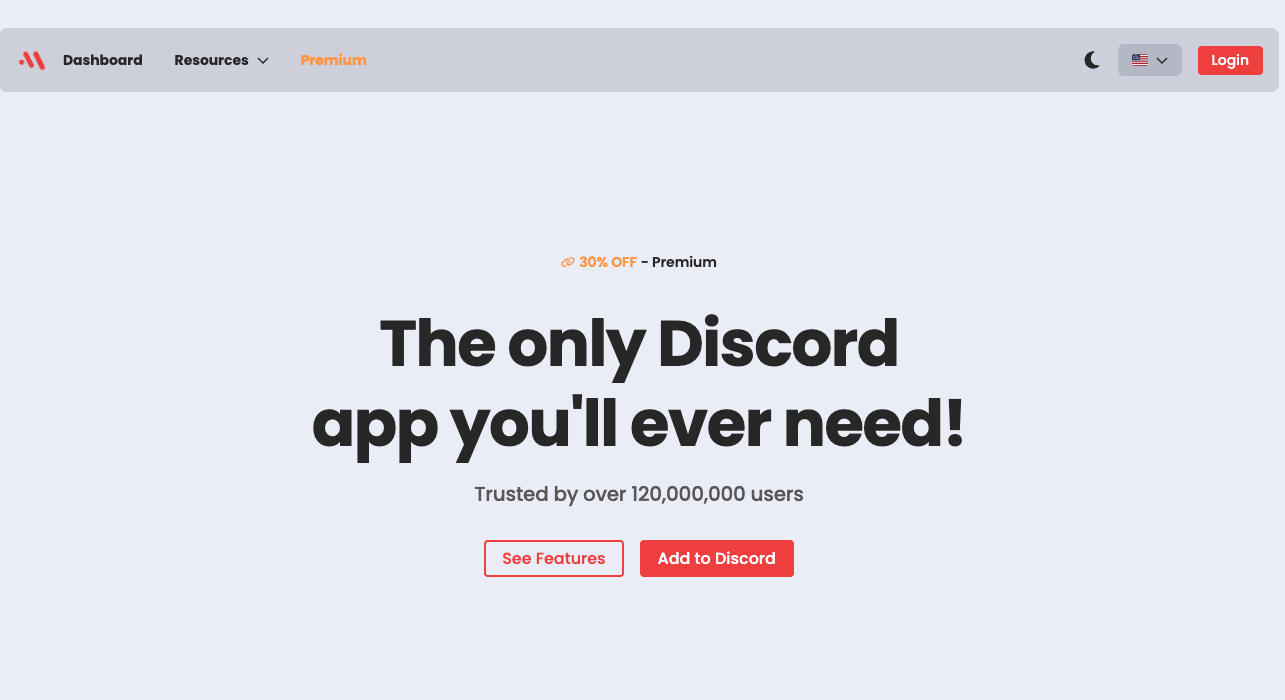
Maki is a popular all-in-one Discord bot that combines essential server management features with a unique focus on high-quality anime aesthetics and social engagement.
“There are many functional bots, but cute bots are rare.”
While giants like MEE6 or Dyno focus on utility, Maki dominates the “Aesthetic” niche. It is the top choice for anime communities, K-Pop servers, and gaming hangouts that want to turn a boring chat room into a vibrant, visual lounge. This guide explores why Maki is the “poster girl” for millions of servers and how to set her up.
🌸 Why Choose Maki? (Key Features)
Maki offers a complete suite of tools (Leveling, Economy, Moderation, Music), but her popularity stems from four distinct pillars that prioritize user experience (UX) and visual design.
1. Stunning Rank Cards & Profiles
This is Maki’s signature feature. When members chat, they earn XP (Experience Points). Unlike other bots that show simple text, Maki generates beautiful, customizable graphical cards.
- Customization: Users can change background images, color themes, and badges.
- Engagement: The desire to make a profile look “cool” or “cute” drives users to chat more to level up.
2. A Unique Economy System
Maki allows you to create a customized currency for your server (e.g., “Yen,” “Gil,” or “Credits”).
- The Shop: Admins can set up a store where users spend their earned currency on exclusive roles or access to VIP channels.
- Gambling: Users can play mini-games like blackjack or coinflip to bet their currency against each other.
3. Social Roleplay Actions (RPG Elements)
Maki bridges the gap between text and emotion. Instead of just typing “I love this,” users can use action commands.
- Anime Reactions: Commands like /hug, /pat, or /bite generate a random, high-quality anime GIF alongside the message. This fosters a sense of closeness and community often found in Gen Z spaces.
4. Music & Moderation
Don’t let the cute look fool you; Maki is a capable worker.
- Music: High-quality playback from Spotify and YouTube sources.
- Moderation: Automated welcome messages and anti-raid tools are easily managed via the web dashboard.
🚀 How to Set Up Maki (3-Step Tutorial)
Maki is designed to be configured via a Web Dashboard, avoiding the need for complex text commands.
Step 1: Invite the Bot
- Visit the Maki Official Website (maki.gg).
- Click “Add to Discord”.
- Select your server and authorize the necessary permissions.
Step 2: Configure the Dashboard (Crucial!)
Once invited, stay on the website and open the “Dashboard”.
- Welcome Module: Turn on “Send a welcome card.” This automatically generates a graphical welcome image with the user’s icon whenever someone joins.
- Levels Module: Set up “Reward Roles.” For example, automatically give a user the “Veteran” role when they reach Level 10.
- Economy Module: Name your currency and decide how much money users earn per chat message.
Step 3: Test Commands
Go back to your Discord server and type /help or /profile to ensure Maki is online and responding.
💻 Essential Commands List
Maki runs entirely on Slash Commands (/). Here are the most popular ones your members will use.
👤 Profile & Leveling
| Command | Description |
| /profile | Displays your full status card (Money, Level, Badges, Marriage status). |
| /rank | Shows your current Level and XP progress bar. |
| /leaderboard | Displays the server’s top 10 most active members. |
💰 Economy & Shop
| Command | Description |
| /balance | Checks how much currency you currently have. |
| /daily | Claim your free daily login bonus currency. |
| /work | Perform a quick task to earn a small amount of money. |
| /shop | Opens the server’s item/role shop. |
💞 Social & Actions
| Command | Description |
| /hug @user | Sends a cute GIF of you hugging the mentioned user. |
| /marry @user | Propose to a user. If they accept, they appear on your profile as your partner. |
| /pat @user | Pats a user on the head (comfort/praise). |
❓ FAQ: Common Questions
Q: Can I upload my own background for my Rank Card?
A: Yes, but custom image uploads usually require Maki Premium. However, the free version offers a wide variety of high-quality, aesthetic default backgrounds to choose from via /profile or the Dashboard.
Q: The music command isn’t working.
A: Ensure you are in a Voice Channel before typing the command. Use /join first, then /play [Song Name/URL]. Note that some YouTube tracks may be restricted due to copyright protections.
Q: Maki seems to be offline or slow.
A: Because Maki serves millions of users, she occasionally undergoes maintenance or server load issues. Check the official Maki Support Server for status updates.
Q: Is the bot available in other languages?
A: The Dashboard and core messages are primarily in English. However, the UI uses intuitive icons, making it easy to use for non-English speakers. You can also write your own custom Welcome Messages in any language you prefer.
🌟 Conclusion
Maki is the bot that transforms a server from a “text chat” into a “digital home.”
If you strictly need advanced anti-spam logs, other bots might be stronger. But if your goal is to build a community that feels warm, looks beautiful, and keeps members engaged through social RPG elements, Makiis the undisputed queen of aesthetic Discord bots.
Next Step for You: Go to maki.gg right now and set up a Welcome Card to make your next new member feel like a VIP!