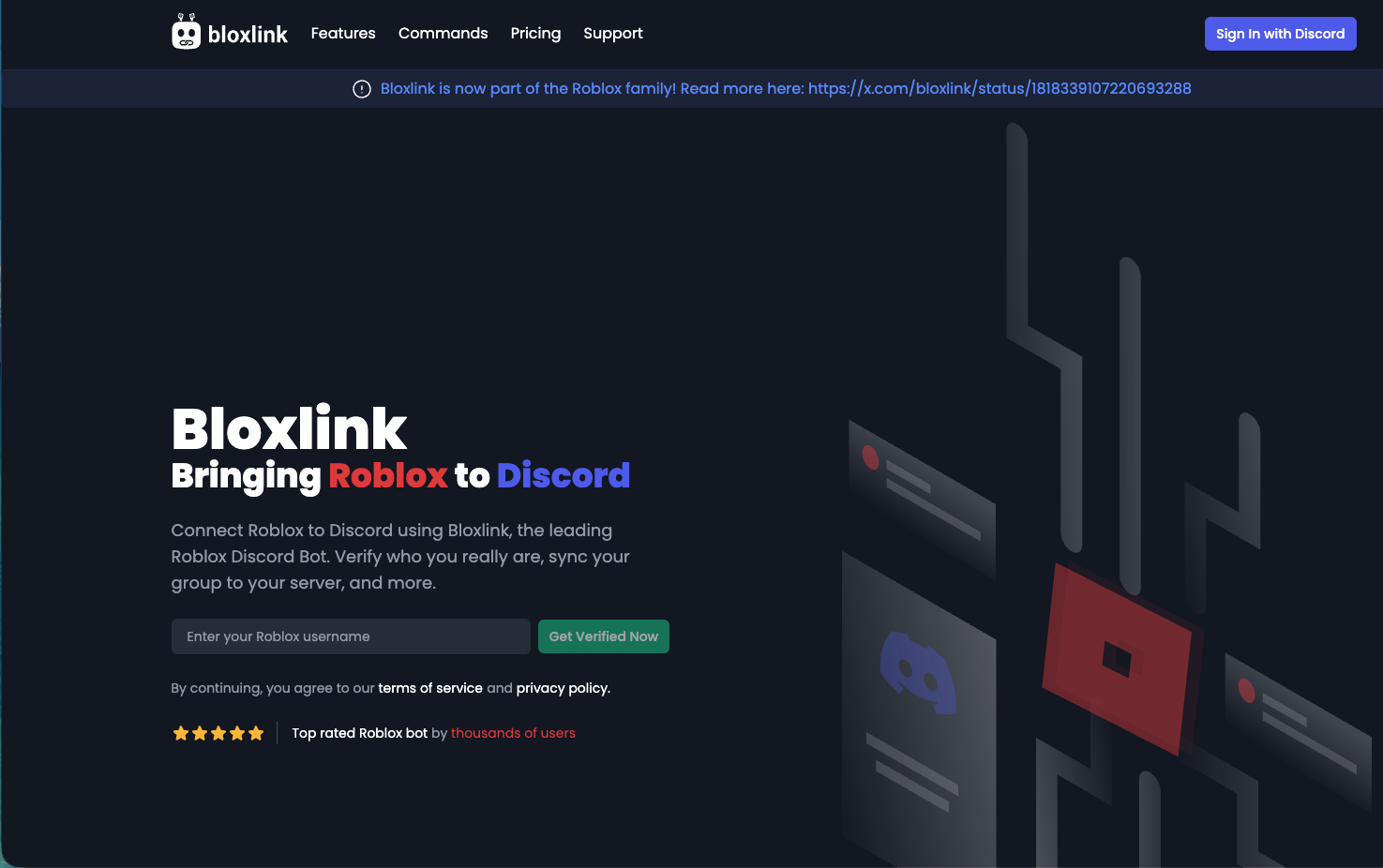
Stop asking “What’s your Roblox username?” In the sprawling Roblox metaverse, identity is fragmented. Bloxlink is the infrastructure that fuses your Discord server with the Roblox database. It automates the chaos of rank management, ensuring that a “General” in your game is automatically recognized as a “General” in your Discord—without you lifting a finger.
The Pivot: Automated Hierarchy
For Roblox developers and clan leaders, manual role assignment is a dead end. Bloxlink offers Identity Synchronization.
- The Proposition: It acts as a live “Passport Control.” It verifies ownership of Roblox accounts and scans for Assets (GamePasses), Badges, and Group Ranks.
- The Scale: Used by over 9 million servers. Most active Roblox players are already verified in the Bloxlink database.
- The Security: It kills “Alt Account” raiding. By restricting server access to accounts older than 30 days or those with paid assets, you physically block throwaway troll accounts from entering your community.
1. Core Functionality: The Binding Engine
The power of Bloxlink lies in its “Binds”—logic gates that connect Roblox data to Discord permissions.
- Group Rank Binds (The Corporate Ladder):
- Logic: If User is Rank 255 (Owner) in Roblox Group ID
12345$\rightarrow$ Give Discord Role@Chairman. - Impact: Promotions in-game sync to Discord instantly. No more “dm me for rank” requests.
- Logic: If User is Rank 255 (Owner) in Roblox Group ID
- Asset Binds (Monetization):
- Logic: If User owns GamePass ID
999(VIP) $\rightarrow$ Give Discord Role@VIP Club. - Impact: Create exclusive channels for paying customers. This directly incentivizes in-game purchases.
- Logic: If User owns GamePass ID
- Smart Nicknames:
- Automatically renames users to match their Roblox display name.
- Template:
[{group-rank}] {roblox-name}results in[Captain] GemUser, standardizing your server’s visual hierarchy.
2. The Command Codex
While configuration happens on the Web Dashboard, these commands handle user-facing operations.
| Command | Usage | Tier | Impact |
| Authentication | /verify | Crit | Starts the linking process for new users. |
| Sync | /update | Core | Forces a refresh of roles/nicknames (e.g., after a promotion). |
| Role Audit | /getroles | Debug | Checks which roles the bot thinks you should have. |
| Intel | /user user:[@Tag] | Admin | Reveals the Roblox profile linked to a Discord user. |
| Inspection | /binds | Info | Lists active link rules for the server. |
3. Onboarding Odyssey: The Setup Protocol
Do not rely on chat commands for setup. Use the Dashboard.
- The Bridge: Invite Bloxlink and log in to blox.link.
- The Lockout (Best Practice):
- Create a verified-only system.
- Channel permissions:
@everyonesees only#verify. - Use Bloxlink to give a
@Verifiedrole upon success. @Verifiedrole grants access to the rest of the server.- Result: 100% raid-proof gatekeeping.
- The Naming Convention:
- Go to Settings $\rightarrow$ Naming Template.
- Set to
{smart-name}to use their display name, or{roblox-name}for their strict username.
- The Panel:
- Deploy a permanent “Verify Here” button in your
#verifychannel using the dashboard. It looks professional and reduces user friction.
- Deploy a permanent “Verify Here” button in your
FAQ Vortex: Tactical Solutions
Q: Is it safe? Will it steal my password?
A: Bloxlink NEVER asks for passwords. Real verification uses “Game Verification” (joining a game) or “Profile Code” (putting a code in your bio). If a bot asks for your password or sends you to a URL that isn’t blox.link or roblox.com, it is a phishing scam.
Q: Why didn’t my roles update after I bought the game pass?
A: Caching. Bloxlink doesn’t scan every second.
- Fix: Run
/updateto force an immediate re-scan of your inventory and ranks.
Q: Can it change the Server Owner’s nickname?
A: No. Discord’s hierarchy prevents bots from modifying the nicknames of Administrators or the Server Owner. You must change your own name manually.
Zenith CTA
Professionalize your group. Stop running a chaotic chatroom and start running an organization. Link your Roblox Group, automate your ranks, and let Bloxlink handle the bureaucracy.