 By Discord Media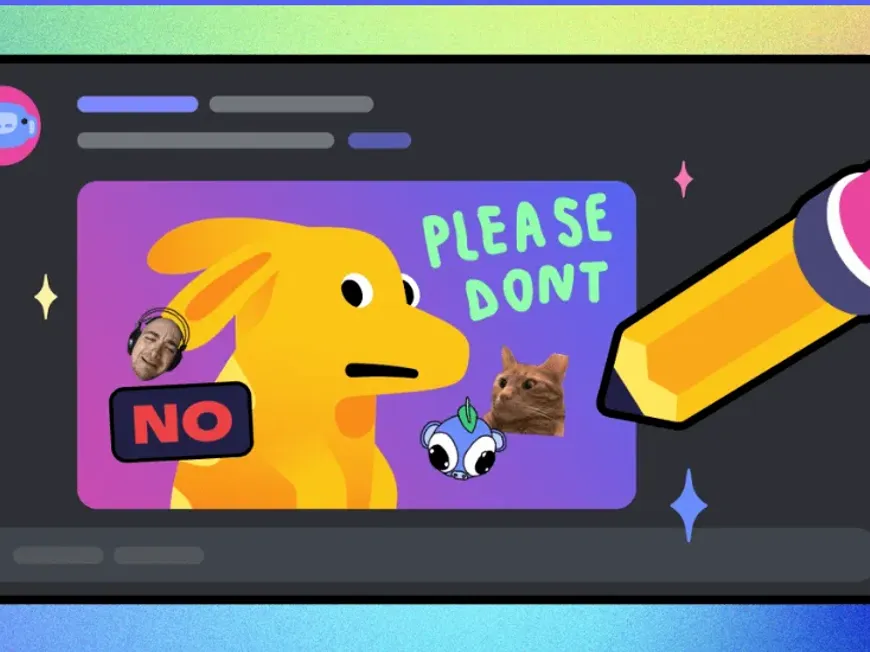
Speed is the currency of community engagement. If you are switching apps to crop a meme or hide sensitive info before posting, you are losing momentum. The Discord Remix feature eliminates the “save-edit-upload” friction loop, allowing you to weaponize content instantly within the app.
This is your tactical briefing on leveraging Remix to dominate chat streams, specifically tailored for mobile power users and Nitro subscribers.
1. The Operational Advantage: Why Remix?
“Remix” is Discord’s native image manipulation layer. Currently deployed on iOS and Android (Mobile Beta), it allows you to modify any static image—whether you are uploading it or reacting to it—without leaving the interface.
- Zero Latency: No external editors (Canva, Photos app) required.
- Meme Velocity: Add text, draw, or stamp images instantly.
- Privacy Control: Use the drawing tool to quickly blackout sensitive PII (Personal Identifiable Information) before hitting send.
2. Execution: The Remix Workflows
There are two distinct vectors for initiating a Remix. Master both to maintain flow.
Vector A: Pre-Upload (The Gallery Remix)
Use this when you are originating the content.
- Open the text bar and tap the + (Plus) to view your Media Gallery.
- Select an image.
- Long Press the attached file preview.
- Select Remix from the dropdown menu.
Vector B: The Reaction (The Stream Remix)
Use this to hijack a friend’s image for a meme reply.
- Tap on any image sent in a DM or Server Channel to expand it (Media Viewer).
- Tap the Remix Button in the top-right corner.
- Note: If multiple images were sent, swipe to the specific target before tapping Remix.
3. The Toolkit: Editing Capabilities
Once inside the Remix interface, you have access to four core tools:
- Crop & Rotate: Fix aspect ratios or flip orientation.
- Paint (Draw): Freehand brush. Essential for circling details or redaction.
- Text Overlay: Add captions with variable fonts/colors.
- The Sticker/Emoji Arsenal: The most powerful engagement tool.
4. The Nitro Advantage: Elite Customization
While the feature is free, Discord Nitro subscribers unlock the full potential of the asset library.
The Remix Capability Matrix
| Feature | Free User | Nitro Subscriber | Impact |
| Basic Tools | Crop, Draw, Text | Crop, Draw, Text | Standard Utility |
| Emojis | Default Only | Cross-Server Custom Emojis | High (Meme Potential) |
| Stickers | Default Only | Custom/Animated Stickers | High (Visual Noise) |
| File Size | Standard (8MB/25MB) | High Quality (500MB) | Superior Resolution |
5. Creative Tactics: Beyond the Basics
Don’t just “doodle.” Use Remix strategically.
- The “Fixed That For You” (FTFY):Take a friend’s selfie or setup photo, add a chaotic custom sticker or a text bubble, and send it back immediately.
- Instant Redaction:Accidentally took a screenshot with your email visible? Remix > Draw (Black Ink) > Cover > Send.
- Meme Manufacturing:Use the “Impact” font style in the text tool to turn any random server upload into a classic meme format instantly.
6. FAQ Vortex: Technical Intel
Q: Can I remix videos or GIFs?
A: Negative. Currently, the Remix engine only supports static images (JPG, PNG).
Q: Does Remixing overwrite the original image?
A: No. It sends a new copy of the image. The original message remains untouched.
Q: Can I save my masterpiece without sending it?
A: Yes. Tap the Save icon in the Remix UI to export directly to your phone’s camera roll.
Q: Is this feature available on Desktop?
A: Not yet. This is currently a mobile-exclusive feature (iOS/Android).
Deploy the Remix.
Stop being a passive observer. Next time an image drops in your server, don’t just react with an emoji—Remix it.