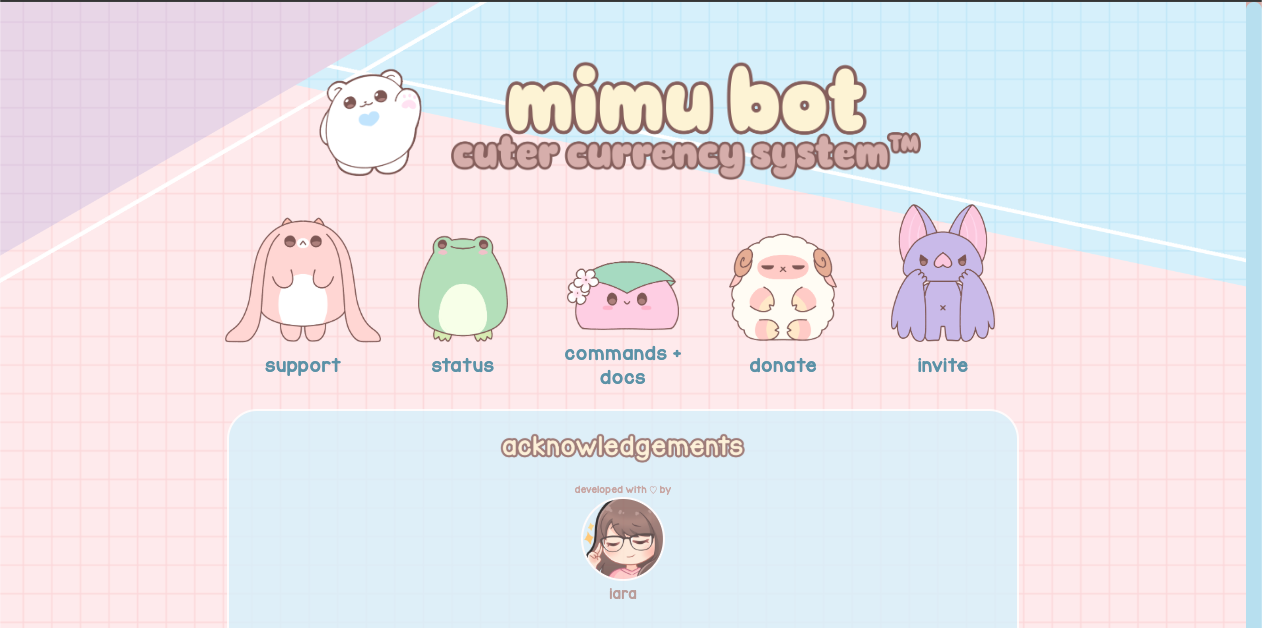
Mimu is a highly customizable economy and shop bot for Discord, famous for its “Kawaii” (cute) aesthetics.
While bots like Dank Memer or UnbelievaBoat focus on gaming mechanics, Mimu is designed for “Server Decoration.”
It allows admins to rename currencies (e.g., from “Dollars” to “Cookies 🍪”) and create visual shops with images.
Why is it so popular in India and Southeast Asia?
In these regions, Discord servers are often treated like personal social media spaces (similar to Tumblr or Pinterest). Users love to “decorate” their servers. Mimu is the essential tool for this, allowing communities to build a “Cafe,” “K-Pop Store,” or “Fantasy Guild” with a fully immersive economy.
🌏 History: The Rise of Aesthetic Servers
- Origins: Developed by the Mimu Team around 2018-2019.
- The Gap: Before Mimu, economy bots were ugly and text-heavy. Mimu introduced the ability to use Embeds, Images, and Custom Emojis easily.
- Current Status: It is a staple in “Social,” “Anime,” and “K-Pop” servers globally.
⚙️ Key Features
Mimu creates a virtual economy that matches your server’s theme.
1. Custom Economy
- Currency Symbol: Change $ to any emoji (e.g., 🌸, 💎, 🍩).
- Currency Name: Rename “Cash” to “Star Fragments” or “Karma.”
2. Advanced Shop System
The killer feature. You can sell items that have:
- Custom Images: Each item in the shop can display a picture.
- Role Rewards: Buying an item can automatically give the user a Discord role (e.g., buy “VIP Ticket” -> get @VIP Role).
3. Auto-Responders & Embeds
Mimu includes a powerful tool to create beautiful “Welcome Messages” or “Rule Boards” using Embeds, without needing complex coding knowledge.
💻 Essential Command List
Mimu uses Slash Commands (/).
💰 Economy (Earning)
| Command | Description |
| /daily | Claims daily income. |
| /work | Performs a random job to earn cash. |
| /balance | Checks wallet balance (Alias: /bal). |
| /give | Transfers money to another user. |
| /leaderboard | Shows the richest members. |
🛍️ Shop & Items
| Command | Description |
| /shop | Opens the graphical shop menu. |
| /buy [Item] | Purchases an item. |
| /inv | Checks your inventory bag. |
| /use [Item] | Uses an item (if configured). |
⚙️ Admin & Setup
| Command | Description |
| /settings | The Master Command. Configures everything. |
| /shop add | Adds a new item to the store. |
| /set economy | Customizes currency icons and names. |
🚀 Setup Tutorial: Making it “Aesthetic”
This is where beginners get stuck. Follow these steps to transform your server.
Step 1: Invite & Authorize
Invite Mimu from the official site or App Directory.
- Permissions: Grant “Embed Links,” “Use External Emojis,” and “Manage Roles” (if selling roles).
Step 2: Customize Currency
Let’s change “Dollars” to “Strawberries.”
- Type /settings.
- Navigate to Economy > Currency.
- Symbol: Select an emoji (🍓).
- Name: Type “Strawberries.”
Result: Now, /bal shows “100 🍓”.
Step 3: Create a Shop Item (With Image)
Let’s sell a “Latte” for 100 Strawberries.
- Type /shop add.
- Name: Latte
- Price: 100
- Image: Paste a direct link to an image (URL must end in .png or .jpg).
- Tip: Upload an image to a private Discord channel, right-click it, and select “Copy Link.”
- Description: “A warm, delicious coffee ☕.”
- Hit Enter.
Step 4: Check the Shop
Type /shop. You will see a beautiful card displaying the Latte with its image.
❓ FAQ: Troubleshooting
Q: The item image isn’t showing.
A: Check the URL.
The link must be a Direct Link. If you use a Google Drive link or a website link, it won’t work. Use Discord’s own file hosting (upload -> copy link).
Q: How do I give roles when they buy items?
A: Use the role parameter.
When using /shop add (or /shop edit), there is an optional field called role. Select the role you want to give.
- Note: Mimu’s role must be higher than the role it is trying to give in the Server Settings list.
Q: Can I reset everyone’s money?
A: Yes.
Use /economy reset. Be careful; this cannot be undone.
🌟 Admin Tip: The Aesthetic Meta
To match the top servers:
- Color Match: Use /embed color to change Mimu’s border color to match your server’s theme (e.g., Pastel Pink #FFD1DC).
- Custom Emojis: Upload tiny pixel-art icons to your server and use them as your currency symbol. It looks much more professional than standard emojis.
Next Step for You: Invite Mimu, change your currency symbol to something cute, and add your first item to the shop!