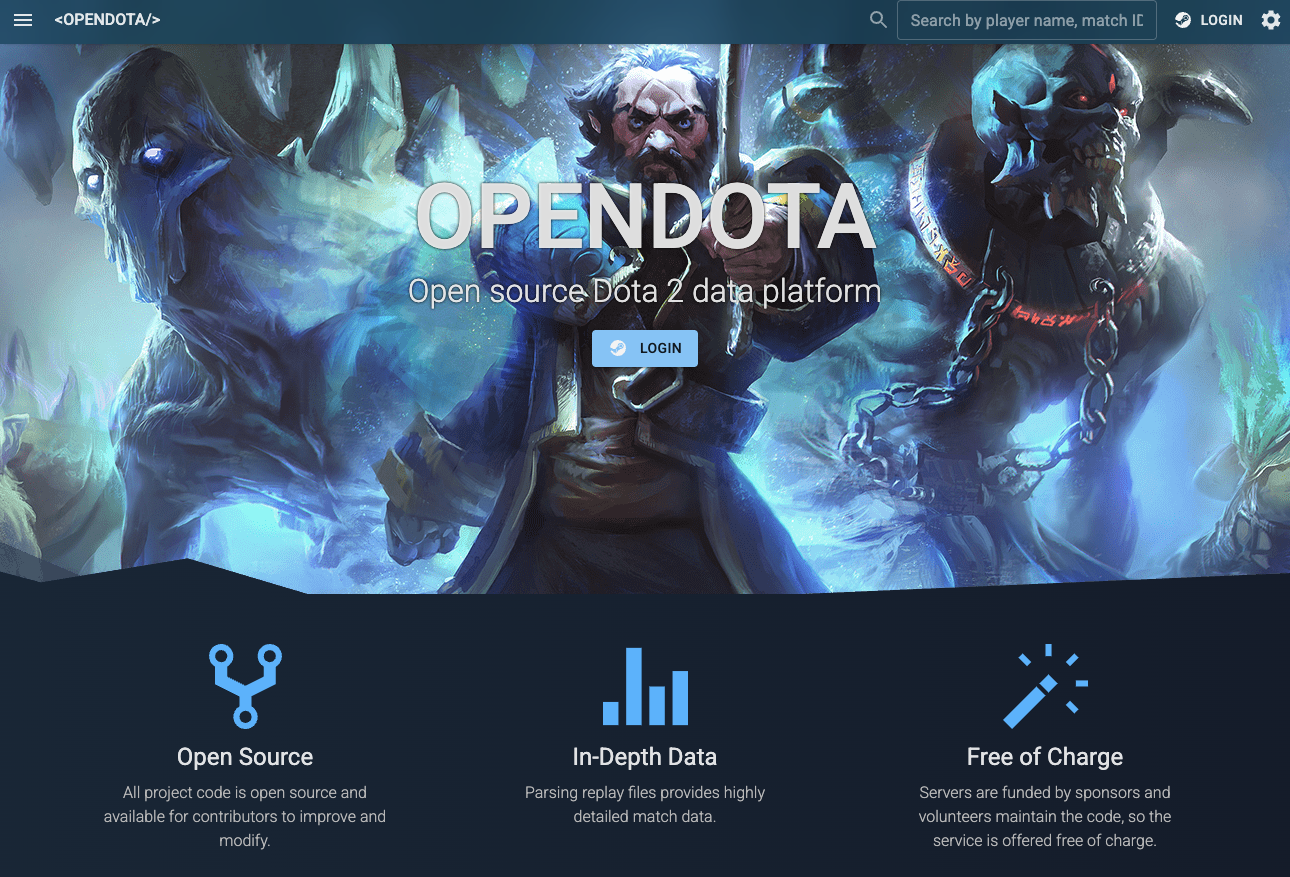
1. Introduction: What is OpenDota?
“Your last hit accuracy, map vision control, and even your toxic chat logs… everything is recorded.”
OpenDota is a community-driven, open-source platform that collects and analyzes massive amounts of match data from Valve’s MOBA, Dota 2. While often referred to as a “Bot,” it is more accurately a web service and API that utilizes “Replay Parsing Bots” to strip matches bare down to their raw data.
In meritocratic and cutthroat (yet vibrant) environments like the Singapore and Southeast Asia (SEA) servers, this tool is essential. It serves as a “mirror” for players to objectively quantify their gameplay and identify areas for improvement.
2. History & Development: From YASP to OpenDota
The defining characteristic of this tool is that it is “Built by gamers, for gamers, and completely free.”
- The Birth of “YASP”
This project was formerly known as YASP (Yet Another Stats Project). It started with a hacker spirit: “Sure, there are other stats sites, but let’s build another one.” At the time, while competitors offering detailed analysis (like TrueSight or Farm distribution) operated on paid subscription models, YASP championed a “All Features Free” philosophy. - Evolution into OpenDota
As development progressed and server costs rose, the project rebranded to OpenDota, sustained by community donations (a sponsorship feature called “Cheese”) and volunteer developers. Today, it has grown into one of the world’s largest Dota 2 databases, providing granular data that even the official Valve API doesn’t offer—such as direct replay file analysis (ward placements, mouse movements, chat logs).
3. Why Choose OpenDota? (Key Features)
Here is why OpenDota stands out against competitors like Dotabuff:
① Free Replay Parsing (Request Parse)
This is the heart of OpenDota. A bot downloads your match replay file and parses it at the code level in minutes.
- Ward Map: Exactly where wards were placed and when enemy wards were destroyed.
- Combat Log: Who stunned whom, down to the exact second.
- Chat Log: Displays the entire match chat (All Chat).
② Detailed Benchmarks
Compare your “Last Hits at 10 minutes” or “XP Gain Pace” against other players using the same hero, from professional levels down to beginners.
③ Wordcloud
A cloud visualization of words a player has used in past matches. If it’s full of “GG” and “WP,” great. If it’s filled with censored profanity, it brutally exposes the player’s toxicity.
④ Completely Open Data
The data is published as an API, which powers many Discord bots and third-party apps running in the background.
4. Setup Tutorial: How to Get the Bot to Recognize You
This is where beginners often get stuck. If you don’t configure Dota 2 settings, OpenDota cannot access your data.
Step 1: Configure the Dota 2 Client (Mandatory)
- Launch Dota 2.
- Click the Gear Icon (Settings) in the top left.
- Select the “Social” tab.
- Check the box for “Expose Public Match Data.”
- Note: If you don’t do this, your profile will be treated as “Anonymous,” and you won’t see detailed stats.
Step 2: Log in to OpenDota
- Visit the official OpenDota website.
- Click the “Login” button in the top right.
- Sign in with your Steam account (OpenDota uses Steam’s official authentication, so it is safe).
Step 3: Sync Data
Once logged in, your Steam icon will appear in the top right. If you have a lot of past data, the initial load may take some time. Click the “Refresh” button if available.
5. Essential Commands & Operations
While OpenDota is primarily a Web UI, here are the key “commands” (operations) to drive the bot.
【Parsing Command】 Request Parse
This is the most important button.
- Open the page for your recent match (Match ID).
- In a standard match data screen, you may see a “Request Parse” button at the top.
- Clicking this summons the bot to download and parse the replay file.
- Reload the page after a few minutes, and detailed tabs like “Performances,” “Laning,” and “Combat” will appear.
【Check Stats】 Overview
- Win Rate: Your overall win percentage.
- Activity: A calendar heatmap showing how much of a “no-life” gamer you were on specific days. Darker colors mean more matches.
【For Advanced Players】 Combos / Peers
- Peers: Shows your win rate with friends you play with often. It visualizes the cruel truth: “My win rate drops when I play with that guy.”
- Heroes: Beyond simple win rates, check your win rate “Against” specific heroes (when they are enemies) and “With” them (when they are allies).
6. How to Read the Analysis Report (Beginner to Intermediate)
Once a match is “Parsed,” here is how to interpret the data:
| Tab Name | What it Reveals | Tips for Use |
| Benchmarks | Metrics like Gold, XP, Last Hits (LH) | Use to improve early game: “My LH at 10 mins is lower than average.” |
| Laning | Lane dominance | See exactly when a lane collapsed and who the lane bully was. |
| Performances | Individual detail stats | Quantifies total stun duration or healing output. Check support contribution here. |
| Story | The narrative of the match | A chronological log: “Player X got a Double Kill in Bottom Lane,” “Roshan killed at X min.” |
| Chat | Full chat log | Check enemy taunts or confusing ally comments you missed during the game. |
7. FAQ: Common Questions
Q1. My MMR (Rank Rate) isn’t showing or is outdated.
A. Currently, OpenDota’s estimated MMR is just for reference.
It used to be accurate, but Valve changed the rank system from numerical MMR to Medals (Divine, Immortal, etc.) and altered the API specs. The numbers on OpenDota are often estimated or frozen. Check the game client for your accurate rank.
Q2. I clicked “Request Parse” but nothing happened.
A. The replay might be expired.
Dota 2 replay files are deleted from Valve’s servers after about 1-2 weeks. Old matches cannot be parsed. It is a “veteran’s habit” to click that button immediately after a match ends.
Q3. Can I add this as a Discord Bot to my server?
A. There is no official “do-it-all” bot, but many bots use the OpenDota API.
OpenDota itself is a web platform, but many Discord bots (e.g., DotaCoach, Stratz Bot, or custom GitHub bots) rely on OpenDota’s data backend. If a bot gives you stats when you type !match [ID] or /profile [ID], it is likely hitting the OpenDota API.
Q4. Can I see pro matches?
A. Absolutely.
Under the “Esports” tab, you can view data from The International (TI) and Majors. It is perfect for studying pro ward placements and farming routes.
Q5. Is it safe?
A. Yes, it is open-source and highly trusted.
It uses Steam Login, so you never give your password to OpenDota. It has been loved by the community for years.
8. Conclusion
OpenDota is the ultimate partner for understanding the “complex and bizarre” game that is Dota 2.
The amount of information might be overwhelming at first. Start simple: Enable “Expose Public Match Data” in your Dota 2 settings, click “Request Parse” after a win, and enjoy smirking at your stats.
Good Luck, Have Fun!