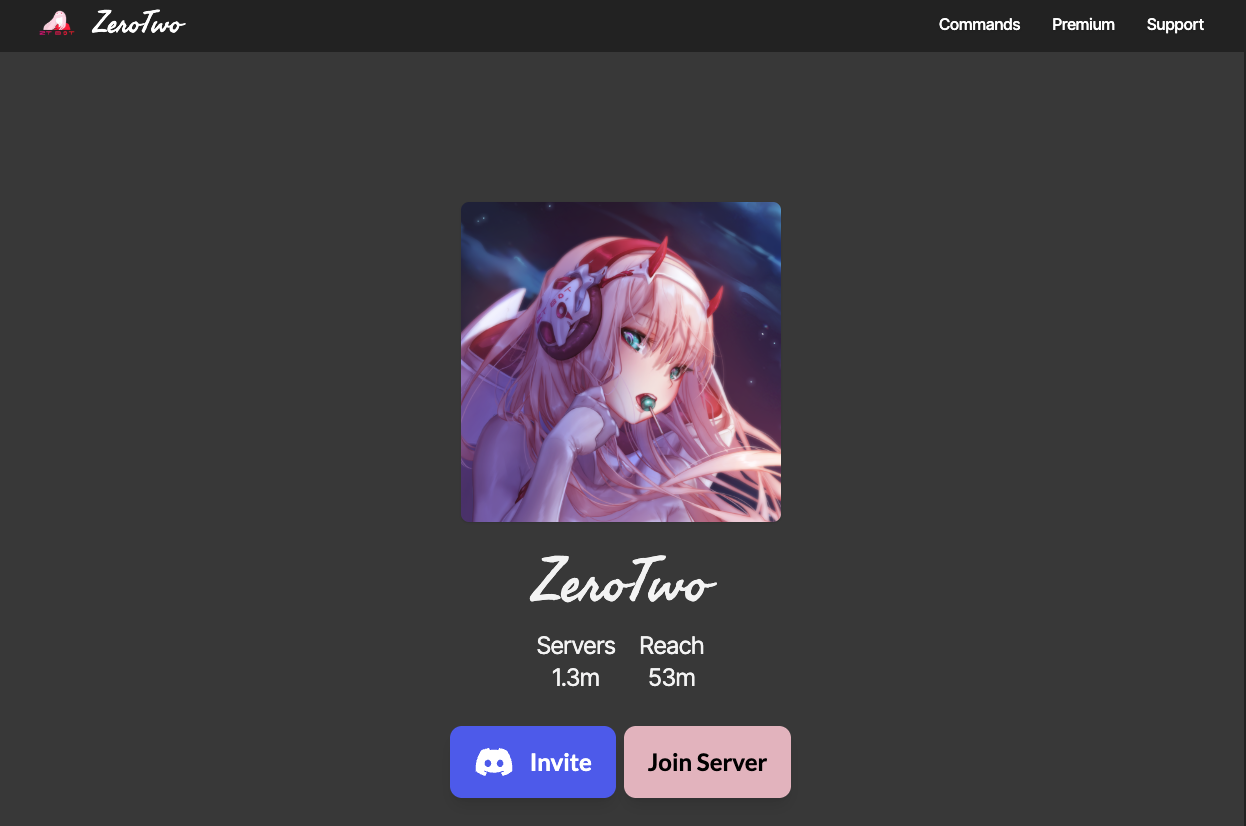
ZeroTwo is a multi-purpose Discord bot themed after the iconic character Zero Two from the anime Darling in the Franxx.
It combines essential server utilities—like welcome messages and leveling—with an addictive card collecting game. More than just its features, the main reason admins invite this bot is simple: “Having Zero Two in the server.” She acts not just as a tool, but as a mascot or “poster girl,” adding personality and warmth to any community.
🦕 Why ZeroTwo? (The “Darling” Phenomenon)
The bot’s massive popularity, especially in the Philippines and global anime communities, is driven by the character’s cult status.
1. The Ultimate Waifu
Zero Two is widely considered the “Ultimate Waifu” in many circles. Her catchphrase “Darling” is a meme in itself. For fans, interacting with a bot that responds as her feels like a natural extension of their fandom.
2. The Need for a Mascot
Servers can feel cold and robotic. Admins use ZeroTwo to greet new members with a cute image and a friendly “Welcome, Darling!” This softens the atmosphere and makes the server feel more welcoming than a standard text bot.
⚙️ Key Features
The most popular versions of ZeroTwo bots focus on three pillars:
🃏 Card Collection & Economy
- Gacha: Use daily currency to pull random anime character cards.
- Trading: An active market where users trade cards to complete their collection (e.g., collecting all versions of Zero Two: Uniform, Pilot Suit, Childhood).
🛡️ Server Utility
- Welcome Images: Automatically generates a customized image greeting new users.
- Auto-Role: Assigns a “Member” role upon joining.
💖 Social Reactions
- Roleplay: Commands like z!hug, z!kiss, or z!feed send high-quality GIFs. This allows users to express affection without typing awkward text.
💻 Essential Command List
The default prefix is usually z! or zt!.
💰 Economy & Cards
| Command | Description |
| z!daily | Claims your daily currency. Sometimes she calls you “Darling.” |
| z!card (or z!gacha) | Draws a random character card. |
| z!inventory (z!inv) | Shows your collected cards. |
| z!market | Opens the global card marketplace. |
🌸 Social & Setup
| Command | Description |
| z!welcome set #channel | Sets the channel for welcome messages. |
| z!kiss @User | Sends a kissing GIF to the mentioned user. |
| z!slap @User | Slaps a user (The “Tsundere” element). |
| z!help | Displays the help menu. |
🚀 Setup Tutorial: The “Welcome” Feature
This is the most crucial step to making ZeroTwo your server’s mascot.
Step 1: Invite the Bot
Search for “ZeroTwo” on Top.gg. Choose the one with the most servers (usually verified).
- Permissions: Ensure you grant “Attach Files” (for images) and “Send Messages.”
Step 2: Set the Channel
Go to your welcome channel (e.g., #arrivals) and type:
z!welcome channel #arrivals
Step 3: Customize the Message
Make it sound like her!
z!welcome message {user}, thanks for coming, Darling! Have fun in {server}!
- {user}: Mentions the new member.
- {server}: Inserts the server name.
Step 4: Test It
Most bots have a test command like z!welcome test. Run it to see the image generation in action.
❓ FAQ: Troubleshooting
Q: Which “ZeroTwo” bot is the real one?
A: There are many.
Due to Discord allowing duplicate names, many devs have made their own version.
- For Cards: Look for “ZeroTwo” bots with “Economy” tags or use Mudae (where she is a top-tier character).
- For Management: Look for the most popular verified bot on Top.gg.
Q: Do I need Premium?
A: Generally, no.
Premium might unlock faster card drops or custom backgrounds for the welcome image, but the free version usually includes all the cute GIFs and basic features.
Q: Can I change the character to someone else (like Rem)?
A: No.
The bot’s identity is hard-coded. If you want a different character, you need to find a bot dedicated to that character.
Q: The bot goes offline often.
A: Fan-made bots are like that.
Unlike corporate bots (MEE6), fan bots are often hosted on smaller servers. Treat it as part of her “moody personality” and wait for her to come back online.
🌟 Admin Tip: Treat Her Like Royalty
To maximize engagement, treat the bot as a Member, not a tool.
- Special Role: Give the bot a role like 👑 Best Girl or 002 and color it pink/red.
- Hoist It: In the server settings, make sure her role is displayed separately so she sits at the top of the member list.
- Interact: Encourage users to use z!daily or z!8ball (fortune telling) in chat to keep the activity lively.
Next Step for You: Invite a ZeroTwo bot and set up a custom welcome message using the word “Darling” to instantly change your server’s vibe!