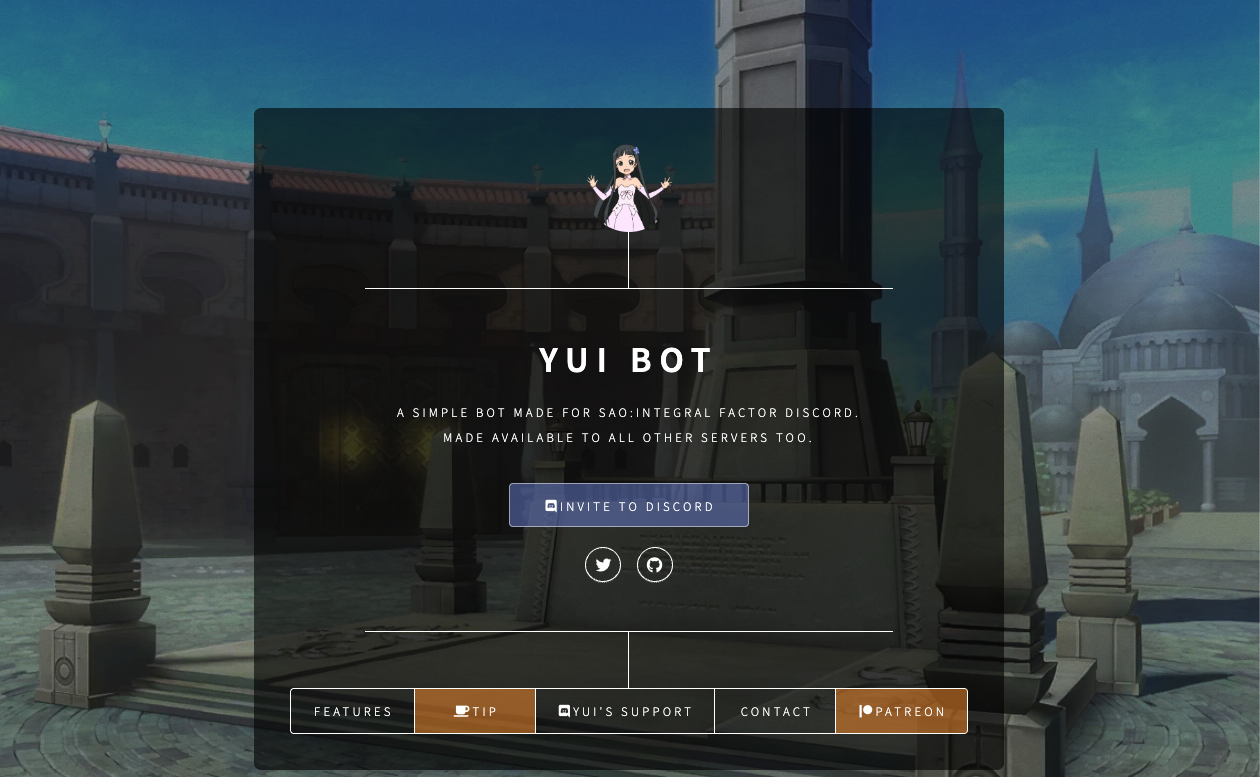
Yui is a multi-purpose Discord bot inspired by the “Navigation Pixie” from Sword Art Online (SAO), designed to combine utility with high-end aesthetic appeal.
While Yui offers standard features like music, moderation, and image generation, its cult following stems from its “Aesthetic”. Unlike clunky, text-heavy bots, Yui delivers clean, minimalistic embeds and visuals. It is the top choice for K-Pop communities, anime servers, and “chill” hangouts where the vibe is just as important as the function.
🌸 Why Yui? (The Rise of Aesthetic Servers)
Yui’s popularity reflects a shift in Discord culture from “Gaming Chat Rooms” to “Digital Hangout Spaces.”
1. The “Pinterest” Effect
Modern Discord users—especially Gen Z—treat their servers like social media profiles. They care about color coordination, cute fonts, and clean layouts. Yui is designed to fit this mold. Its responses are not just text; they are beautifully formatted cards that don’t ruin the visual flow of a chat channel.
2. The Friendly Navigator
Drawing from its SAO origins, Yui feels less like a cold robot and more like a helpful assistant. This character-based branding makes it approachable for non-technical users who might find bots like Dyno too intimidating.
⚙️ Key Features
Yui balances Beauty and Utility.
🎵 Aesthetic Music Player
It plays high-quality music with low latency. The “Now Playing” embed is designed to showcase album art elegantly, making your music channel look like a modern media player.
🛡️ Smart Moderation
It handles Bans, Kicks, and Clears (Purges). Crucially, the notification messages for these actions are sleek and professional, avoiding the aggressive “WARNING” red text common in other bots.
🖼️ Anime & Social Interactions
Yui includes reaction commands (Kiss, Hug, Pat) that use high-quality anime GIFs. These are vital for fostering a friendly, interactive atmosphere in social servers.
💻 Essential Command List
The default prefix is y! (e.g., y!play).
🎵 Music
| Command | Description |
| y!play [Song/URL] | Plays music. (Alias: y!p). |
| y!stop | Stops music and disconnects. |
| y!lyrics | Displays aesthetic lyric cards. |
🛡️ Moderation
| Command | Description |
| y!clear [Amount] | Deletes messages cleanly. |
| y!kick @User | Kicks a user. |
| y!ban @User | Bans a user. |
🌸 Social & Utility
| Command | Description |
| y!avatar @User | Displays a high-res version of a user’s pfp. |
| y!kiss @User | Sends a cute kissing GIF. |
| y!userinfo @User | Shows account creation date and roles in a nice embed. |
| y!help | Displays the help menu. |
🚀 Setup Tutorial: Keeping it Clean
To maintain the “Aesthetic Vibe,” configure Yui thoughtfully.
Step 1: Invite the Bot
Search for “Yui” on Top.gg (Look for the Pixie icon) and invite it.
- Permissions: Grant “Embed Links,” “Send Messages,” and “Manage Messages” (for mod tools).
Step 2: Customize the Prefix
The default y! is iconic, but some minimalist servers prefer symbols like . or ;.
- Command: y!prefix set .
- Result: Commands become cleaner (e.g., .play).
Step 3: Clean Up Channels
Because Yui is multi-purpose, it can clutter channels if used everywhere.
- Tip: Restrict Yui’s music commands to a specific #music-commands channel using Discord’s permission settings (deny “Send Messages” for Yui in #general). This keeps your main chat pristine.
❓ FAQ: Troubleshooting
Q: Which “Yui” is the real one?
A: Look for the Tags.
There are many clones. The most popular Yui usually has “Music,” “Anime,” and “Moderation” tags on bot lists and serves hundreds of thousands of servers. Check the developer name and server count.
Q: Music isn’t playing.
A: YouTube API issues.
Like all music bots, Yui sometimes struggles with YouTube due to restrictions. If it fails, try using a Spotify or SoundCloud link instead.
Q: Can I change the language?
A: Mostly English.
Yui is English-based, but its design relies on icons and visuals (e.g., a Trash Can icon for delete), making it easy to understand regardless of language skills.
Q: What is Premium?
A: Premium usually unlocks Volume Control, 24/7 Mode (staying in VC alone), and sometimes higher quality audio. The free version is fully functional for most users.
🌟 Admin Tip: The Ultimate “Aesthetic” Setup
To truly make your server shine with Yui:
- Match Colors: If your server has a “Pastel Pink” theme for roles, Yui’s default embeds often complement this style perfectly.
- Decorate Channels: Use special fonts for channel names (e.g., ╭・general・☁️). Yui fits perfectly into this environment.
- Use y!userinfo: Encourage new members to run this command in your #introductions channel. It creates a standardized, pretty ID card for everyone.
Next Step for You: Invite Yui, run y!avatar on yourself, and see how much better the high-res image looks compared to standard Discord!