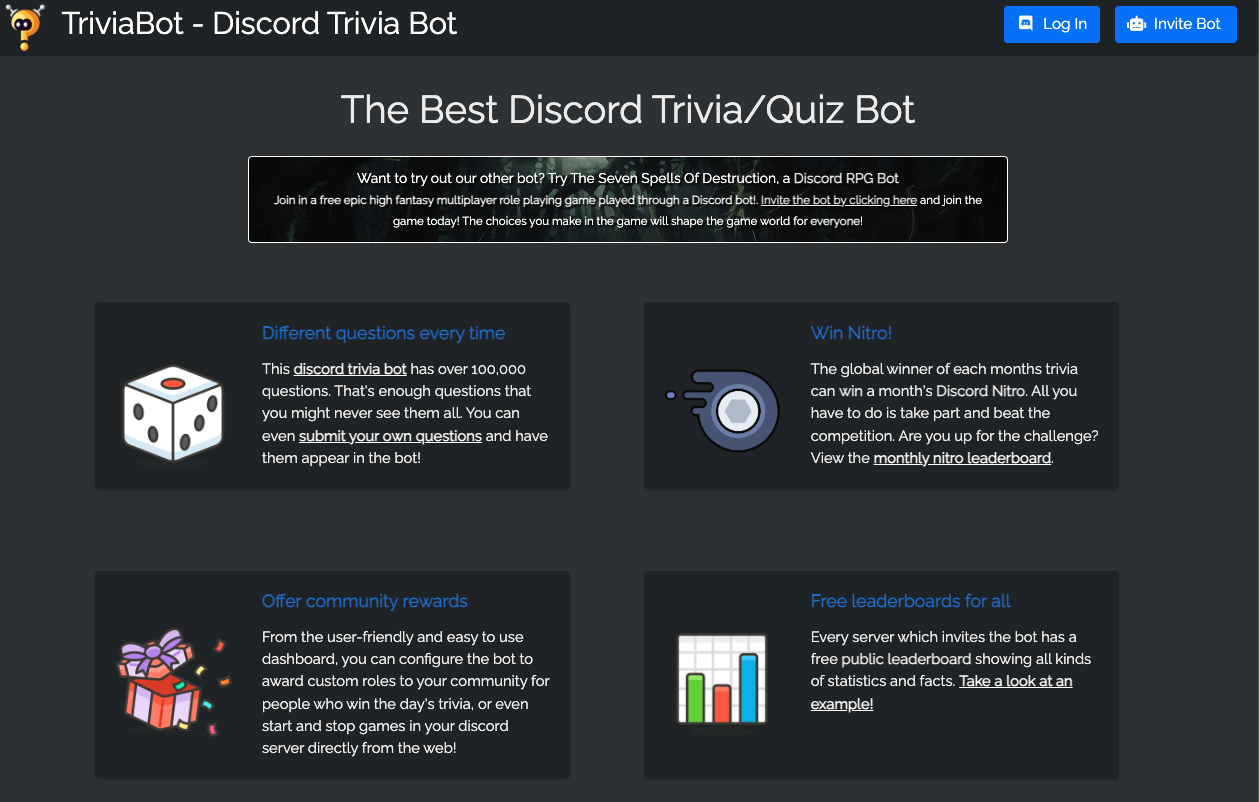
TriviaBot is the largest quiz bot on Discord, featuring over 100,000 questions across 24 categories.
More than just a time-killer, TriviaBot is a competitive sport. It allows server members to compete in speed-based quizzes, form teams, and climb global leaderboards. For many communities, it serves as the digital equivalent of a Friday night “Pub Quiz.”
🍺 Origins: The Digital Pub Quiz
TriviaBot is exceptionally popular in the UK, Australia, and New Zealand due to the strong cultural attachment to Pub Quizzes.
1. The Social Glue
In Commonwealth countries, gathering at a pub with friends to answer trivia questions is a weekly ritual. It fosters teamwork, friendly rivalry, and conversation. During lockdowns, communities migrated to Discord and used TriviaBot to replicate this experience.
2. Team Play
Unlike solitary mobile games, TriviaBot shines in Voice Channels. Friends gather in a call, the bot posts a question, and the channel erupts into debate (or shouting) before someone locks in the answer.
⚙️ Key Features
TriviaBot is simple to start but deep in features.
⏱️ Speed-Based Scoring
The faster you answer, the more points you get. This rewards quick thinking and prevents Googling the answers.
📚 Diverse Categories
From General Knowledge and History to Anime & Manga and Video Games, you can tailor the quiz to your server’s interests.
🤝 Teams & Tournaments
You can form persistent teams (e.g., “Team Red” vs. “Team Blue”). Points earned by individuals contribute to the team’s total score, perfect for server-wide events.
💻 Essential Command List
TriviaBot uses Slash Commands (/), but legacy prefixes (trivia) may still work in some setups.
🎮 Gameplay
| Command | Description |
| /triviastart | Starts a quiz. You can select categories and question counts. |
| /quickfire | Starts a fast-paced mode with shorter timers. |
| /triviastop | Ends the current game. |
🏆 Stats & Teams
| Command | Description |
| /leaderboard | Shows the server’s top players. |
| /team create [Name] | Creates a new team. |
| /team join [Name] | Joins an existing team. |
⚙️ Settings
| Command | Description |
| /categories | Lists available topics. |
| /language set | Changes the bot’s language (e.g., to Japanese or Spanish). |
🚀 Setup Tutorial: How to Host a Quiz Night
While the bot works out of the box, customization makes it better.
Step 1: Invite the Bot
Visit Top.gg or the TriviaBot website and invite it.
Step 2: Language Settings (For Non-English Speakers)
The database is primarily English. However, you can use translation mode:
- Type /language set.
- Select your language (e.g., Japanese).
- Note: This uses machine translation, so some questions might read awkwardly.
Step 3: Create Custom Quizzes (Highly Recommended)
The best feature is Custom Questions.
- Log in to the TriviaBot Dashboard on their website.
- Select “Custom Quizzes.”
- Create questions relevant to your community (e.g., “Who was the first admin of this server?”).
- Launch it in Discord by selecting “Custom” as the category.
❓ FAQ: Common Questions
Q: The questions are too hard.
A: Change the category.
Standard categories like “History” or “Literature” can be very difficult. Try “Video Games” or “Anime & Manga,” which are often easier for international gaming communities to understand.
Q: I clicked the button, but it didn’t register.
A: Lag or One-Try Rule.
If the server is laggy, clicks might be delayed. Also, most modes only allow one guess per question. If you clicked “A” and it was wrong, you can’t click “B”.
Q: How do I change the time limit?
A: Premium Feature.
In the free version, the timer is fixed. Premium subscribers can customize the time limit (making it super fast or very slow).
Q: Can I play alone?
A: Yes.
But it’s less fun. The bot is designed for competition. If you play alone, you are mostly competing against the global leaderboard.
🌟 Admin Tips: Hosting an Event
Don’t just leave the bot running. Make it an Event.
- “Saturday Night Trivia”: Schedule a specific time. Get everyone in Voice Chat.
- Prizes: Offer a special role (e.g., @Quiz King) or a small Nitro gift to the winner.
- Inside Jokes: Use the Custom Quiz feature to ask questions about your server’s history or memes. This guarantees engagement and laughter.
Next Step for You: Invite TriviaBot, create a team with /team create, and challenge your friends to a round of “General Knowledge” tonight!