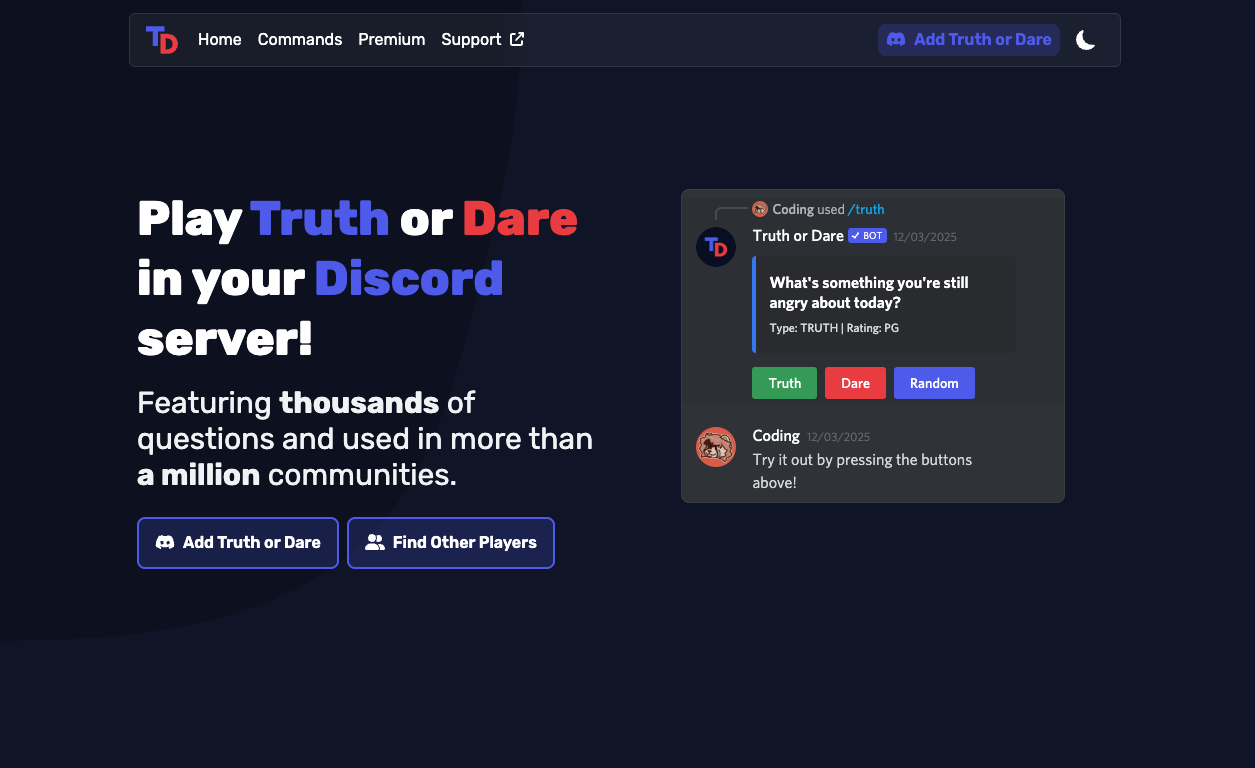
Truth or Dare is a classic party game bot designed to break the awkward silence in voice chats.
By providing random prompts like “Who is your crush?” or “Do 10 pushups right now,” it creates instant conversation starters.
In social servers across India, Southeast Asia, and the US, this bot is the standard tool for turning a quiet VC (Voice Chat) into a lively, chaotic hangout. It functions as the perfect “Digital Spin the Bottle.”
🌏 History: Bringing the Sleepover to Discord
- Origins: Developed by Greg and the team at truthordarebot.xyz.
- The Goal: To automate the classic party game so players don’t run out of ideas. They built a database of thousands of questions to keep the game fresh.
- Growth: With the rise of “Social” and “Chill” servers, it became a staple for breaking the ice among strangers.
🎮 Game Modes: More Than Just Truths
The bot offers four distinct ways to play.
1. Truth or Dare (The Classic)
- Truth: Answer a personal question honestly.
- Dare: Perform a specific action (e.g., change your nickname, send a funny GIF).
2. Paranoia (The Fan Favorite)
This is the most popular mode in active servers. It creates suspense and drama.
- The bot DMs Player A a question (e.g., “Who is the most annoying person here?”).
- Player A must mention a user in the public chat as their answer.
- The mentioned user (Player B) sees they were picked but doesn’t know the question.
- To reveal the question, a coin is flipped. If tails, the question remains a secret, leaving Player B paranoid about why they were chosen.
3. Never Have I Ever (/nhie)
A statement appears (e.g., “Never have I ever skipped school”). Users react if they have done it. Great for group bonding.
4. Would You Rather (/wyr)
The bot presents two difficult choices. Players discuss which one is better (or worse).
💻 Essential Command List
Most bots now use Slash Commands (/).
🎮 Gameplay
| Command | Description |
| /truth | Asks a Truth question. |
| /dare | Gives a Dare challenge. |
| /tod | Randomly picks Truth or Dare. |
| /paranoia | Starts the Paranoia game (requires mentioning users). |
| /nhie | Posts a “Never Have I Ever” prompt. |
| /wyr | Posts a “Would You Rather” question. |
⚙️ Settings
| Command | Description |
| /settings | Configures the server’s rating (PG, PG13, R). |
| /help | Displays the help menu. |
🚀 Setup Tutorial: Safety & Ratings
Crucial Step: Setting the “Rating” correctly prevents inappropriate questions in family-friendly servers.
Step 1: Invite the Bot
Visit truthordarebot.xyz and click Invite.
Step 2: Set the Rating
The bot has different question pools based on age appropriateness.
- Type /settings.
- Select Rating.
- PG: Safe for everyone (Family Friendly).
- PG13: Mildly suggestive or teen topics.
- R: Adult topics (NSFW, Dirty questions). Popular in late-night VCs.
- Choose the one that fits your server rules.
Step 3: Channel Restrictions
To prevent spam, restrict the bot to a specific #games channel using Discord’s integration settings.
❓ FAQ: Common Questions
Q: Can I add my own questions?
A: Usually Premium.
Most bots require a premium subscription to add custom questions or remove ads.
Q: The Paranoia question didn’t show up.
A: It’s a feature.
Paranoia usually has a 50% chance (coin flip) to hide the question. The mystery is the point of the game!
Q: Can I play in other languages?
A: Mostly English.
While some bots offer translations, the database is primarily English. It is often used as a fun way to practice English in international servers.
Q: Someone is asking inappropriate questions.
A: Check the Rating.
If the bot is asking dirty questions, an admin has likely set the rating to R. Ask them to change it to PG or PG13.
🌟 Admin Tip: The “Paranoia” Effect
If your Voice Chat is dead/quiet:
- Jump in.
- Type /paranoia.
- Mention someone.
It instantly wakes everyone up because they want to know what the question was. It is the single most effective tool for reviving a dead chat.
Next Step for You: Invite Truth or Dare, set the rating to PG13, and try a round of /paranoia to see the chaos unfold!