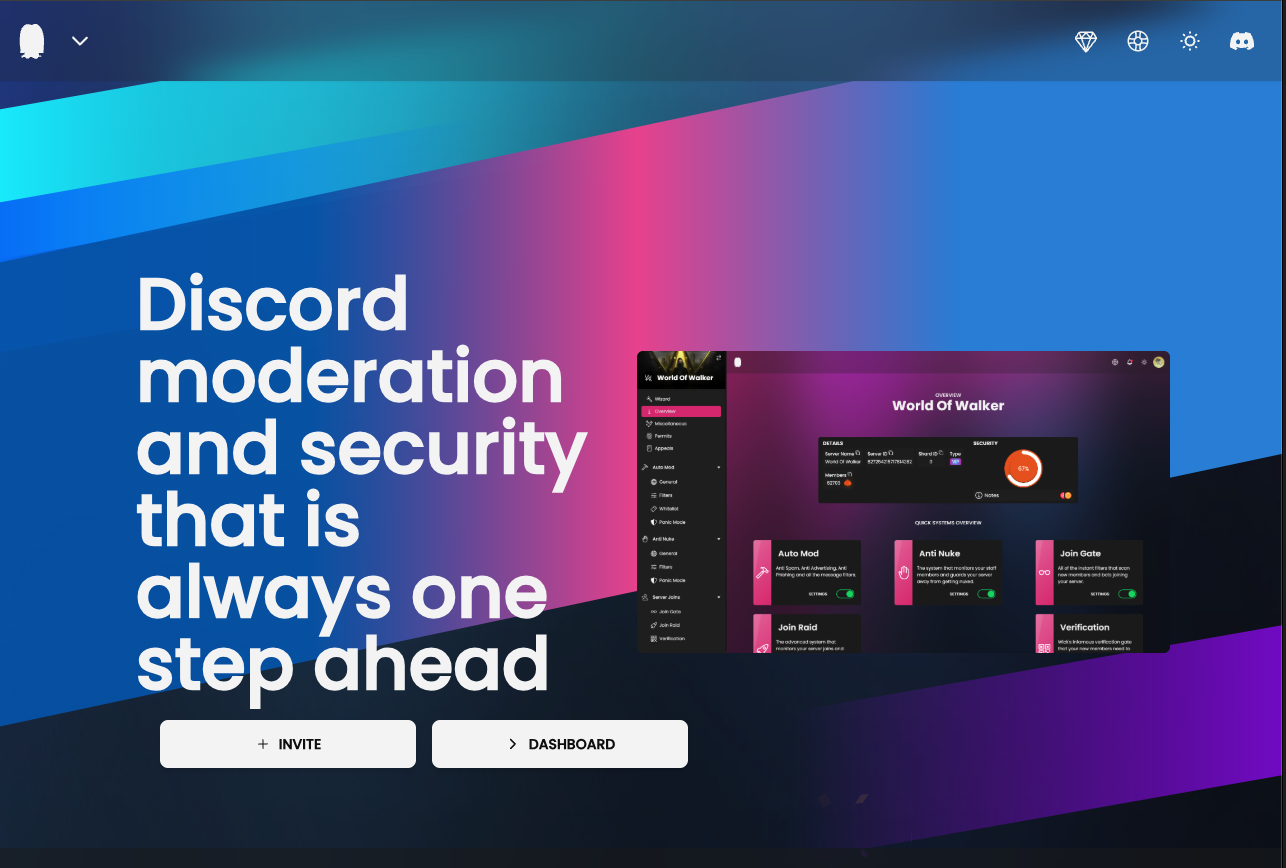
Wick is a specialized security bot designed to protect Discord servers from “Nukes” (rogue admins destroying the server) and “Raids” (mass bot attacks).
Unlike multipurpose bots like MEE6 or YAGPDB, Wick’s philosophy is “Security First.”
It assumes that anyone—even a moderator you trust—could be hacked. Wick is built to detect dangerous behavior instantly and strip permissions before the damage is done.
🛡️ History: Why Do We Need Wick?
1. The Threat of “Nuking”
For years, communities faced a nightmare scenario: A moderator’s account gets hacked, or a staff member goes rogue. Within seconds, they delete all channels, ban all members, and destroy the server. Old bots were too slow to stop this.
2. The Solution: “John Wick” Style
Named after the movie character John Wick (“Don’t touch my dog”), this bot is ruthless.
- Speed: It reacts in milliseconds. If someone tries to delete 5 channels in 10 seconds, Wick cuts them off instantly.
- Quarantine: Instead of just banning, it strips the user of all roles, rendering them harmless but keeping them in the server for investigation.
⚙️ Core Mechanics
Wick operates on strict thresholds.
1. The Heat System
Instead of a simple “5 messages in 5 seconds” limit, Wick uses a Heat Algorithm.
It analyzes message content, speed, mentions, and similarity. If a user’s “Heat” reaches 100%, they are muted or kicked. This is highly effective against sophisticated spambots.
2. Quarantine (The Isolation Cell)
This is Wick’s signature move.
- Trigger: Excessive channel deletion, role creation, or mass banning.
- Action: Wick assigns the “Quarantine” role. This role overrides all other permissions, blocking the user from seeing or typing in any channel.
- Benefit: It stops a hacked admin instantly without banning them (which is useful if you want to help them recover their account later).
💻 Essential Command List
The default prefix is w!. Slash commands (/) are also supported.
🛡️ Admin & Setup
| Command | Description |
| w!setup | The First Step. Starts the auto-configuration wizard. |
| w!dashboard | Generates a link to the Web Dashboard (Recommended). |
| w!whitelist | Manages trusted users/bots. |
🚨 Emergency Actions
| Command | Description |
| w!quarantine @User | Forcefully isolates a user. |
| w!unquarantine @User | Restores a user’s roles. |
| w!lockdown | Locks the entire server (Panic Mode). |
🚀 Setup Tutorial: The “Role Hierarchy” Rule
90% of users fail here. Wick cannot protect you if you don’t do Step 2.
Step 1: Invite & Setup
Invite Wick from wickbot.com. Run w!setup.
Step 2: Fix Role Hierarchy (CRITICAL)
- Go to Server Settings > Roles.
- Find the Wick role.
- Drag it to the TOP of the list. It must be physically above your Admin and Moderator roles.
- Why? Discord forbids a bot from managing users with roles higher than its own. If Wick is below your Mods, it cannot stop them if they get hacked.
Step 3: Whitelist (The “Ticket Bot” Problem)
Wick treats everyone as a threat, including other bots.
If you have a Ticket Tool or Music Bot, Wick might ban them for “creating channels too fast.”
- Go to the Dashboard (w!dashboard).
- Navigate to Whitelist.
- Add your trusted bots (e.g., Ticket Tool) to the Anti-Nuke Whitelist.
Step 4: Configure Permits
Define who can control Wick.
- Extra Owner: Has full power. (Be careful).
- Trusted Admin: Can manage basic settings.
❓ FAQ: Troubleshooting
Q: Wick banned my other bot!
A: You forgot to whitelist.
Wick sees “Ticket Tool created 5 channels in 10 seconds” as a Nuke attempt. You must add the Ticket Bot’s ID to the “Channel Creation” whitelist in the dashboard.
Q: I got Quarantined. Help!
A: Only the Owner can save you.
If you (an admin) triggered a filter, Wick quarantined you. The Server Owner must run w!unquarantine @You to fix it.
Q: What is Panic Mode?
A: The Nuclear Option.
If the server is under heavy attack, enabling Panic Mode locks everything down. It creates a complete freeze on the server until you can assess the situation.
Q: Is it free?
A: Yes.
The core Anti-Nuke and Anti-Raid features are free. Premium unlocks advanced logging, custom branding, and finer “Heat” controls.
🌟 Admin Tip: The “Test”
Do not wait for an attack to see if Wick works.
- Create a “Test Role” with Admin permissions.
- Give it to an alt account (or a brave friend).
- Have them try to delete 5 test channels quickly.
- Watch Wick instantly strip their roles and DM you a report.
Next Step for You: Invite Wick, drag its role to the top, and whitelist your Ticket Bot immediately!