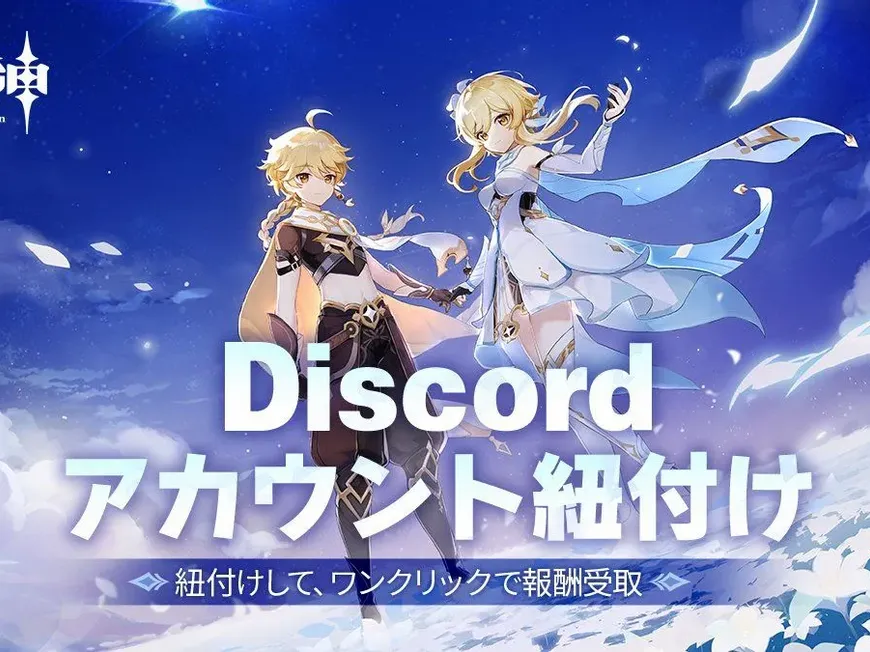
Did you know you can officially link your Genshin Impact account to Discord to unlock real-time game stats and claim free rewards?
By connecting your HoYoverse account to Discord, you not only enable features like “Rich Presence” (showing your Adventure Rank and status to friends) but also gain the ability to invite friends to co-op instantly. Plus, for a limited time, first-time linkers can earn 30 Primogems.
💎 Why Should You Link Accounts?
Linking isn’t just about showing off your status; it improves your multiplayer experience.
| Benefit | Description |
| Free Primogems | Get 30 Primogems just for linking your account for the first time. Every gem counts for that next banner! |
| Rich Presence | Discord will display your in-game status in real-time (e.g., “Exploring Inazuma,” Adventure Rank, etc.), letting friends know when you are active. |
| Instant Invites | Forget copying UIDs. You can send a direct game invite link to friends via Discord to start Co-Op mode instantly. |
📲 How to Link Genshin to Discord (3 Steps)
Follow these simple steps to connect your accounts and claim your reward.
Step 1: Log in to HoYoverse
Visit the official account management page or the event page provided by HoYoverse. Log in with the HoYoverse Pass you use to play Genshin Impact.
Step 2: Connect to Discord
Select the option to link a third-party account. Choose Discord. You will be redirected to a Discord login page.
Step 3: Authorize and Link
Log in to your Discord account and click “Authorize” to allow the connection. Once the screen confirms “Linked Successfully,” you are done!
Note: The 30 Primogems will be sent to your in-game mail. Be sure to log in to the game and claim them immediately.
⚠️ Important Warnings
Before you link, keep these three rules in mind to avoid issues.
- Mail Expiration: The reward mail inside Genshin Impact expires after 30 days. If you don’t claim the Primogems within that time, they will disappear forever.
- Unlink Limit: You can only unlink your account once per month. Do not unlink immediately after claiming the reward if you plan to re-link later, as you might get locked out for 30 days.
- Privacy: Linking allows Discord to display your game data (like AR and Server). It does not give Discord access to your password or payment information.
❓ FAQ: Common Questions
Q: Can I link multiple Genshin accounts to one Discord account?
A: No. You can only link one Genshin Impact account per Discord account.
Q: Is there a level requirement to get the Primogems?
A: Yes. Your character must be at least Adventure Rank 7 to receive the in-game mail reward.
Q: What happens to my Primogems if I unlink my account?
A: Once you have claimed the Primogems from your mailbox, they are yours to keep. Unlinking the account afterwards will not remove them.
Q: Can I do this on my phone (Mobile)?
A: Yes. The linking process works perfectly on iOS and Android browsers.
🌟 Conclusion
The collaboration between Genshin Impact and Discord makes the “Traveler” life much smoother. No more copy-pasting long UIDs—just click and play.
To recap:
- Link via HoYoverse.
- Claim 30 Primogems in-game.
- Invite friends instantly.
Next Step for You: Open your Genshin Impact in-game mail right now—your free Primogems might already be waiting for you!