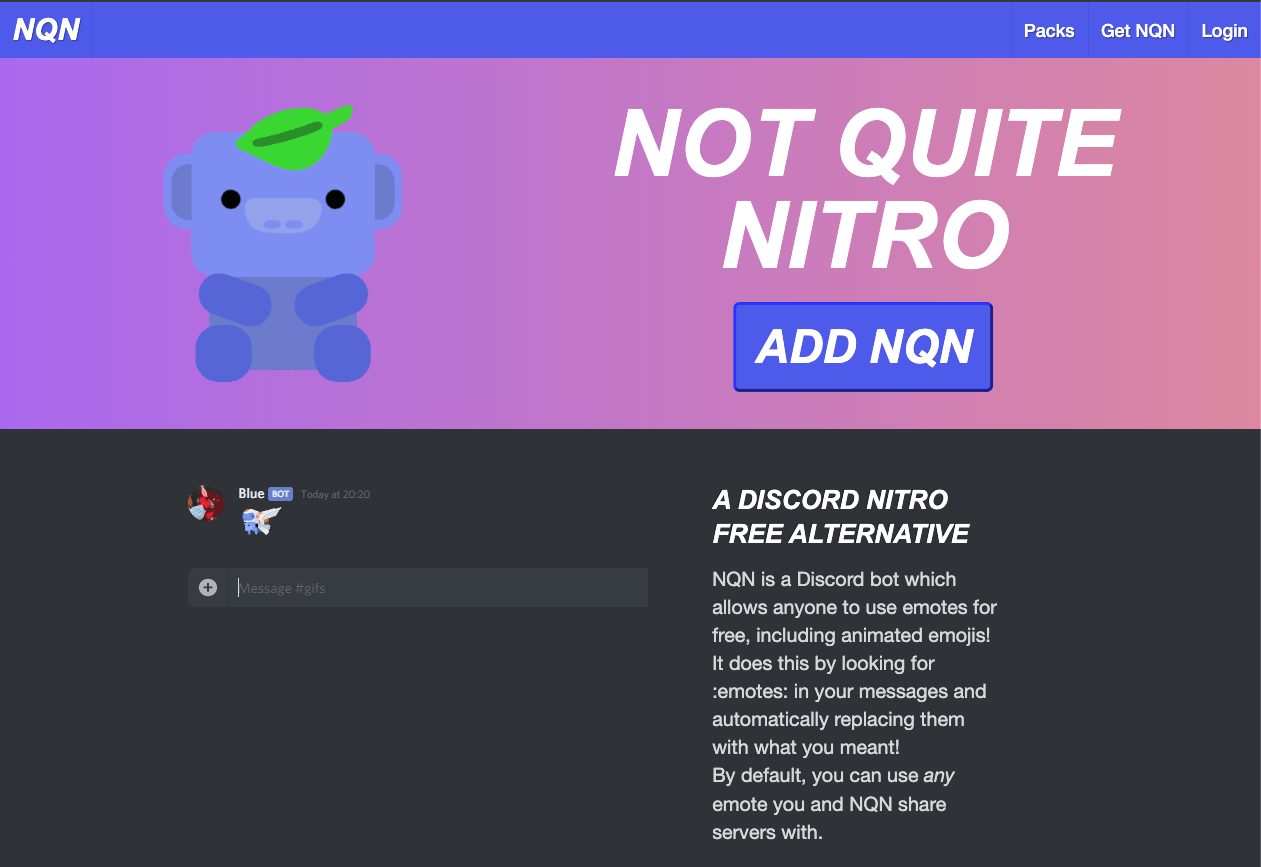
NQN (Not Quite Nitro) is a bot that allows anyone to use external and animated emojis from other servers, even without a Discord Nitro subscription.
How does it work? It uses a clever “Webhook Proxy.” When you type :emoji_name:, the bot instantly deletes your message and reposts it as a Webhook that looks exactly like you, but with the correct emoji image inserted.
It is the ultimate tool for free-to-play users who want to express themselves without paying monthly fees.
🌏 History: The “Poor Man’s Nitro”
- Developer: Created by muddyfish (Simon Beal).
- The Name: “Not Quite Nitro” is a humble nod to its function. It mimics Nitro features but acknowledges it’s a workaround.
- Legitimacy: Despite bypassing a paid feature, NQN is a Verified Discord Bot. Discord allows it because it doesn’t hack the client; it simply reposts images via Webhooks, which is a legitimate API use.
⚙️ Core Mechanics: The Webhook Trick
Here is what happens in the background:
- You type: :pogchamp: (An emoji you don’t have access to).
- NQN detects: It scans its database for an emoji named “pogchamp” in servers it shares with you.
- Swap: It deletes your original message.
- Repost: It creates a Webhook with your username and avatar and posts the message with the actual emoji image.
- Result: It looks like you sent it, but with a small “BOT” tag next to your name.
💻 Essential Command List
The default prefix is !.
😃 Emojis & Packs
| Command | Description |
| !pack search [Query] | Searches for public emoji packs (e.g., Minecraft, Pepe). |
| !pack join [Name] | Joins an emoji pack so you can use them anywhere. |
| !alias create [Name] [Emoji] | Creates a shortcut (e.g., type :hi: to send a long GIF). |
| !dl [Emoji] | Downloads the image file of an emoji or sticker. |
🛠️ Utility
| Command | Description |
| !sticker [Name] | Sends a large sticker image. |
| !help | Displays the help menu. |
🚀 Setup Tutorial: Enable the Magic
For the bot to work, it needs specific permissions.
Step 1: Invite the Bot
Visit nqn.blue and invite it.
- Crucial Permissions: It MUST have “Manage Webhooks” and “Manage Messages” (to delete your trigger message). Without these, it fails.
Step 2: Test It
- Join the official NQN server (or any server with NQN).
- Find an emoji there (e.g., :blob_wave:).
- Go to your server where NQN is added.
- Type :blob_wave:.
- If it transforms into the image, it works!
Step 3: Join Emoji Packs (The Best Feature)
You don’t need to join 100 servers to get emojis. Use Packs.
- Type !pack search minecraft.
- Find a pack name (e.g., MinecraftItems).
- Type !pack join MinecraftItems.
- Now you can use :diamond_sword: in your server, even if the emoji isn’t uploaded there.
❓ FAQ: Troubleshooting
Q: Why is there a “BOT” tag next to my name?
A: It’s a Webhook.
This is Discord’s way of distinguishing real users from automated messages. Since NQN is reposting your text, it gets the tag. It cannot be removed.
Q: It’s not working.
A: Check permissions.
99% of the time, the bot lacks “Manage Webhooks” permission in that specific channel.
Q: Can I turn it off for myself?
A: Yes.
If you buy Nitro later, NQN might get annoying. You can disable it for yourself via the NQN dashboard or commands.
Q: Is it safe?
A: Yes.
It is verified by Discord. It reads messages to find emoji codes but doesn’t store your chat history maliciously.
🌟 Admin Tip: The “Global Emoji” Server
If you run a network of servers:
- Create a server purely for emojis (upload 50+ custom emotes).
- Add NQN to that server and your main server.
- Now, everyone in your main server can use the emojis from the storage server without needing Nitro.
Next Step for You: Invite NQN, type !pack search pepe, and join a pack to unleash the memes!