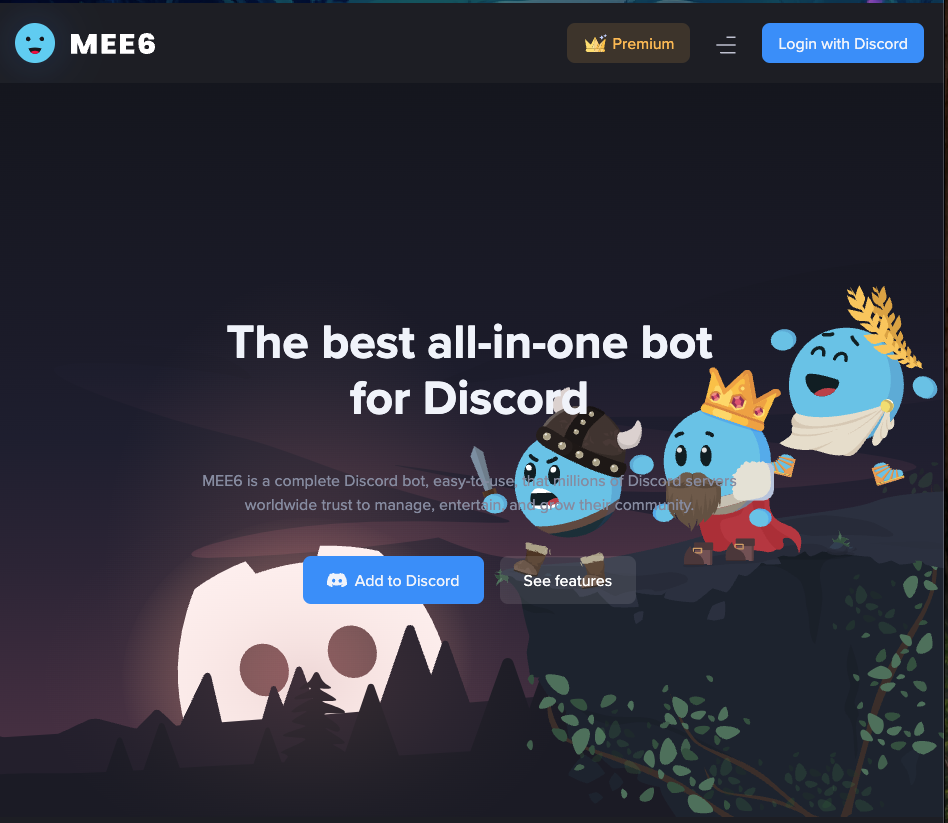
Introduction: What is MEE6?
MEE6 is one of the most popular and trusted “all-in-one” bots on Discord, used by millions of servers. It is a web-based bot designed to automate and enhance your server, handling everything from server management and moderation to community engagement and entertainment.
Its primary strength is its user-friendly web dashboard, which allows even beginners to set up complex “plugins” like Reaction Roles, a Leveling System, and Welcome Messages without needing to know a single command.
What Can MEE6 Do?
MEE6 uses a “plugin” system, allowing you to turn on only the features you need.
Key Features (Plugins):
- 🎉 Welcome Messages: Automatically send a warm welcome message (with images, embeds, and cards) to new members.
- ✅ Reaction Roles: Easily create messages where users can react with an emoji or click a button to get a specific role.
- 📈 Leveling System: The most popular feature. Members gain XP and “level up” as they chat, encouraging activity with a server leaderboard.
- 🛡️ Moderation: A powerful suite to filter spam, bad links, ads, and auto-warn or punish rule-breakers.
- 🔔 Social Media Alerts: Automatically post updates to your server from Twitch, YouTube, X (Twitter), Reddit, and Instagram.
- ⚙️ Custom Commands: Create your own simple commands to automate tasks or post in-server announcements.
- 🎫 Ticketing System: Allows members to “open a ticket” to get private support from your staff team.
- 🤖 Bot Personalization: A premium feature that lets you change MEE6’s name, avatar, and status to match your server’s brand.
- 🎙️ Conversation Recording: A simple, one-click command to record a voice channel.
How to Add MEE6 to Your Server (Easy Setup)
Getting MEE6 is incredibly simple.
- Go to the official MEE6 website:
https://mee6.xyz/ - Click “Add to Discord” and log in.
- Select the server you want to add the bot to and grant the requested permissions.
- You will be redirected to your Web Dashboard, where all setup takes place.
A Guide to MEE6’s Most Popular Plugins
You don’t control MEE6 with commands. You control it from the Web Dashboard. Here are the most important plugins to set up.
📈 Leveling
This is MEE6’s most famous feature.
- How it works: Members earn XP for sending messages (with a cooldown to prevent spam).
- Rank Cards: Users can type
!rankto see their custom rank card, which shows their level. - Leaderboard: MEE6 creates a server leaderboard to show who is most active.
- Role Rewards: You can set it up to automatically give members new roles when they reach a certain level (e.g., “Level 10 Regular”).
✅ Reaction Roles
This is the easiest way to let users self-assign roles (e.g., for colors, regions, or game preferences).
- How it works: You create a message (e.g., “React with ✅ to get the ‘Member’ role”).
- Buttons & Emojis: You can use both emoji reactions and the new Discord buttons.
- Automation: MEE6 handles giving and removing the roles automatically.
🛡️ Moderation
This plugin is a powerful tool for keeping your server safe.
- Auto-Mod: Automatically deletes or warns users for spam, excessive mentions, bad links, ads, or specific “banned words.”
- Warning System: Lets your moderators issue formal warnings (
!warn @User [reason]). MEE6 can be set to automatically mute or ban a user after they receive a set number of warnings.
🔔 Social Media Alerts
This is a must-have for content creators.
- How it works: You link your Twitch, YouTube, X (Twitter), or other accounts.
- Automation: When you go live on Twitch or upload a new YouTube video, MEE6 will instantly post a notification message in your server.
⚙️ Custom Commands
This lets you create your own simple commands without any coding.
- Text Response: Create a command like
!socialsthat makes MEE6 reply with a list of your social media links. - Role Automation: Create a command like
!guestthat gives a user a “Guest” role.
Frequently Asked Questions (FAQ)
Q: Is MEE6 free?
A: MEE6 has a free plan and a premium plan. The free plan includes many basic features (basic moderation, basic custom commands, etc.). However, many of the most popular plugins, like Reaction Roles, Social Media Alerts, and the Ticketing System, now require a Premium subscription.
Q: Is MEE6 hard to set up?
A: No. It’s one of the easiest bots to set up because everything is done on the web dashboard. You don’t need to memorize any complex setup commands.
Q: How do I customize the bot’s name and avatar?
A: This is a Premium feature. You can customize the bot’s name, avatar, and status from the “Bot Personalization” plugin on the web dashboard.
Q: What is the price for MEE6 Premium?
A: MEE6 offers several pricing tiers (monthly, yearly, and lifetime). You can check the current prices on the official MEE6 website.
QZ: Can I use MEE6 on multiple servers?
A: Yes. You can add the MEE6 bot to multiple servers. You will get a separate dashboard for each server to manage its settings.
Q: Where can I get support for MEE6?
A: MEE6 has a large official support server on Discord, as well as extensive documentation and guides on its website.
Conclusion: Is MEE6 Worth It?
MEE6 is the ultimate “all-in-one” bot for server owners who want a simple, powerful, and reliable solution. Its web dashboard makes it incredibly easy for anyone to set up advanced systems that would otherwise require multiple, complex bots.
While many of its best features are now part of the Premium plan, it remains a top-tier choice for automating and growing a Discord community.