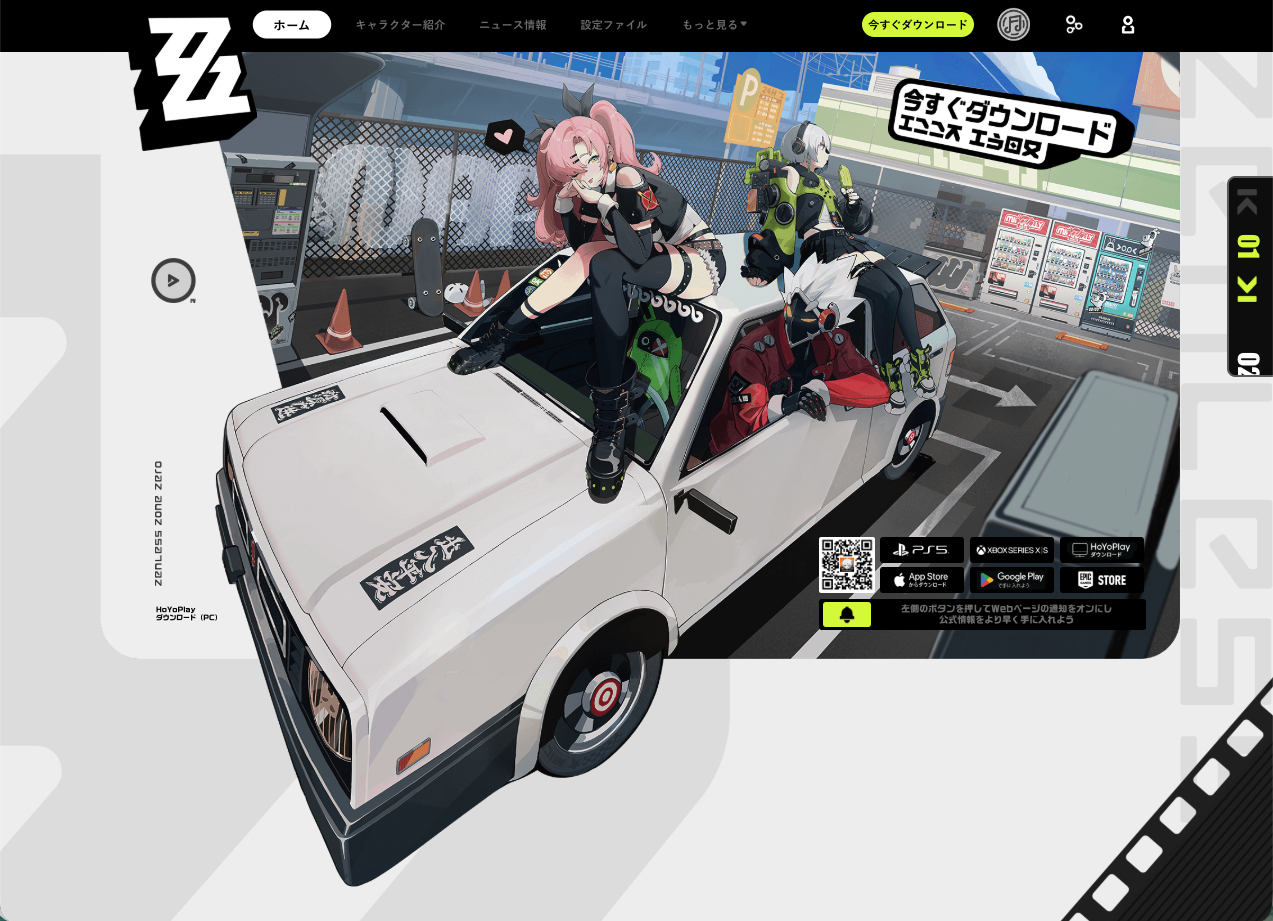
“Wait, I can get free Polychromes just for linking my account?”
“I linked my Discord, but where is my reward?”
If you are a Proxy exploring New Eridu, you don’t want to miss this easy loot. By linking your Zenless Zone Zero account to Discord, you get 30 Polychromes and unlock cool social features.
Important Warning: The 30 Polychrome reward is NOT automatic. You must manually claim it after linking.
Here is your complete guide on how to link your account, the critical step to actually get your reward, and why over 840,000 players have joined the official server.
💎 Why Link? 3 Major Benefits
This official integration (introduced in late 2024) connects your HoYoverse account with your Discord profile. Here is why you should do it:
1. Get 30 Polychromes (First-Time Only)
The main attraction is the free loot. When you link your account for the first time, you are eligible for 30 Polychromes. It’s a small but easy bonus to help save up for your next Signal Search.
2. Show Off Your “Rich Presence”
Once linked, your Discord status updates in real-time to show exactly what you are doing in Zenless Zone Zero. Friends will see:
- Current Agent: The character you are playing or have equipped.
- Location: Whether you are chilling on Sixth Street or deep inside a Hollow.
- Progress: Your Inter-Knot Level and current quest status.
- Time Elapsed: How long you’ve been playing.
3. Seamless Invites
You can invite friends to join the game directly through Discord chats or your profile, making it easier to recruit fellow Proxies.
🛠️ Step-by-Step: How to Link & Claim Reward
Follow these steps carefully. Step 4 is the most important part.
Step 1: Open Settings
Launch Zenless Zone Zero (or go to the HoYoverse account management website). Open the in-game Menu and select the Gear Icon (Settings).
Step 2: Select “Link Discord”
Navigate to the Account or Social tab. Look for the button that says “Link Discord” (or similar social connections).
Step 3: Authorize
A browser window will open.
- Log in to your Discord account.
- Click “Authorize” to give Zenless Zone Zero permission to update your status.
Step 4: Manually Claim Your Reward (CRITICAL!)
Once you see the “Link Successful” message, the Polychromes will NOT appear in your mail yet.
- Return to the game or the event web page where you started the link.
- Look for a specific “Claim Reward” or “Receive” button next to the Discord linking task.
- Click it. Now check your in-game mailbox to collect your 30 Polychromes.
🌍 Join the 840,000+ Member Official Server
Beyond just linking accounts, Zenless Zone Zero has a massive Official Discord Server. With over 840,000 members, it is the best place to:
- Get News: See the latest codes and update details first.
- Find Guides: Get help with difficult Hollow Zero stages or Agent builds.
- Participate in Events: Access exclusive “Discord Quests” that occasionally offer streaming rewards.
❓ Troubleshooting & FAQ
Q: I linked my account, but I didn’t get the Polychromes.
A: Did you press the “Claim” button?
As mentioned in Step 4, the reward is not automatic. Go back to the account linking menu or the event page and look for the button to manually claim the reward. If you claimed it and it’s still not there, restart the game and check your mail.
Q: I want the rewards, but I don’t want friends to see what I’m playing.
A: You can hide your status.
You don’t need to unlink your account.
- Open Discord User Settings (Gear icon).
- Go to Activity Settings (or Activity Privacy).
- Toggle “Display current activity as a status message” to OFF.You keep the rewards, but your gameplay stays private.
Q: How do I unlink?
A: Via Discord Connections.
- Open Discord User Settings > Connections.
- Find the Zenless Zone Zero or HoYoverse icon.
- Click the “X” to disconnect.
🌟 Summary
Linking your account is a quick win for any Proxy.
- Reward: 30 Polychromes (Must claim manually!).
- Time: Less than 2 minutes.
- Perk: Cool status updates for your profile.
Next Step: Launch Zenless Zone Zero, open your settings, and grab that free currency before your next pull!