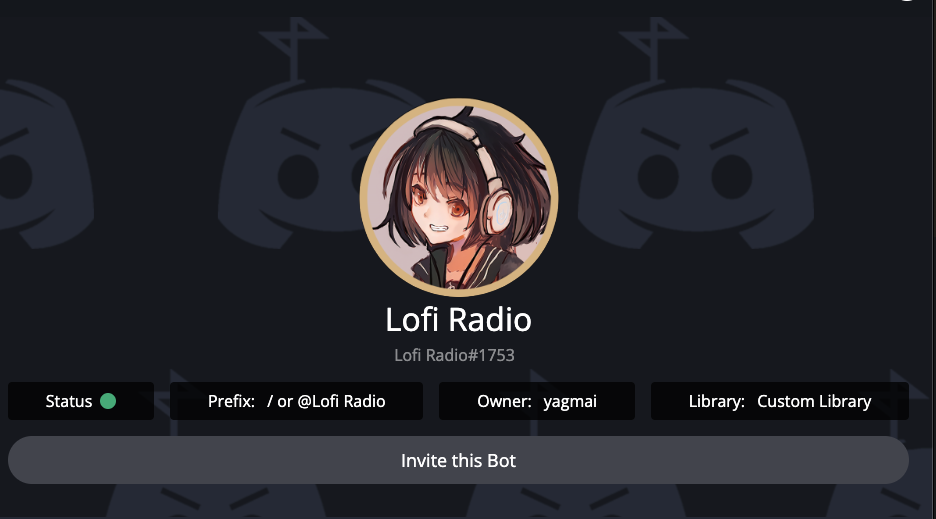
Introduction: What is Lofi Radio?
Lofi Radio is a simple, high-quality Discord music bot dedicated to streaming Lo-Fi Hip Hop 24/7, completely for free. It’s designed for studying, working, or relaxing, turning your server into the perfect chill space with its 99.9% uptime and easy-to-use slash commands.
Key Features of Lofi Radio
- ✨ Beautiful & Simple UI: A clean, intuitive interface.
- 🎧 24/7 Playback: Always online, streaming music 365 days a year.
- ♾️ Seamless Streaming: The bot stays in the channel and plays continuously, as long as it’s needed.
- ⚡ Fast & Lag-Free: 99.999% uptime for a smooth, buffer-free experience.
- 🎶 High-Quality Audio: Delivers crisp, high-fidelity Lo-Fi sounds.
- 🕹️ Stage Channel Ready: Works perfectly in Discord’s Stage Channels.
- 🎚️ Slash Command Support: Fully up-to-date with modern
/commands. - 🏆 Leaderboards & Profiles: Adds a community element by tracking usage and listening time.
- ⚙️ Useful Commands: A unique set of commands for changing stations, setting sleep timers, and more.
Add Lofi Radio to Your Server!
Ready to chill? Click the invite link below to add Lofi Radio to your server.
[Click Here to Add Lofi Radio to Your Server]
Lofi Radio Command List
Lofi Radio uses simple and intuitive slash commands (/). Here are the most important ones to know.
🎶 Music Commands (Playback & Control)
| Command | Description |
/play | Joins your voice channel and starts the 24/7 Lo-Fi radio stream. |
/stop | Disconnects the bot from the voice channel and stops the music. |
/song | Displays information about the currently playing track. |
/station | Lets you change the radio station to a different Lo-Fi theme. |
/volume | Shows or changes the bot’s volume for the whole server. |
/sleep <time> | Sets a sleep timer. The bot will automatically stop playing after the set time. |
👤 Profile Commands (Community Features)
| Command | Description |
/profile [user] | Displays your (or another member’s) Lofi Radio profile. |
/leaderboard | Shows the server’s listening-time leaderboard. |
/collection | Shows your personal collection of favorited songs. (May require Premium) |
⚙️ Settings Commands
| Command | Description |
/settings | Shows and lets you change server-specific bot settings. |
/mode | Toggles different radio modes. |
/djroles | Sets the roles (or members) that are allowed to act as a DJ. |
/premium | Displays information about Lofi Radio Premium. |
ℹ️ Info & Support Commands
| Command | Description |
/support | Shows the invite link for the official Lofi Radio support server. |
/vote | Gives you a link to vote for the bot on bot lists. |
/invite | Generates an invite link to add Lofi Radio to another server. |
Conclusion: Your Server’s Ultimate Chill Space
Lofi Radio is the best choice for a high-quality, 24/7 Lo-Fi Hip Hop stream. It’s free, simple, reliable, and provides the perfect background music for any community.
Add Lofi Radio to your server today and share the ultimate chill-out experience with your members.
Frequently Asked Questions (FAQ)
Q: Is Lofi Radio really free?
A: Yes, the core feature—the 24/7 Lo-Fi radio stream—is completely free. A Premium plan is available for users who want extra features (check /premium for details).
Q: How is the audio quality?
A: Lofi Radio is designed to stream high-quality audio, providing a clear and pleasant Lo-Fi sound.
Q: Is it only Lo-Fi Hip Hop?
A: Yes, Lofi Radio is a specialized bot. However, you can use the /station command to choose from different themes of Lo-Fi (e.g., chill, study, sleep).
Q: Will the bot ever leave the voice channel?
A: No. The bot is designed for 24/7 operation. It will not leave the channel unless a user manually stops it with the /stop command.
Q: Where can I get support for Lofi Radio?
A: The best way to get help is by joining the official support server. Use the /support command to get an invite link.